One design tool for every airframe you field
Concepts, analysis, benchmarks and drawings in the browser, deployed where your data is allowed to live.
Control first,
speed second
The things a programme office asks about before anyone opens the app.
Private deployment
Run the app and the agent on your own infrastructure, with no traffic to ours.
Models stay in the browser
The CAD kernel and the FE solver run on the engineer's machine. Nothing is uploaded to compute.
Your model, your key
Use your own AI provider account, pin a model, or turn the agent off.
SSO and roles
Sign in with your identity provider, with roles for viewers, designers and admins.
Approved parts lists
Load the parts your programme is allowed to use, and Compare only offers those.
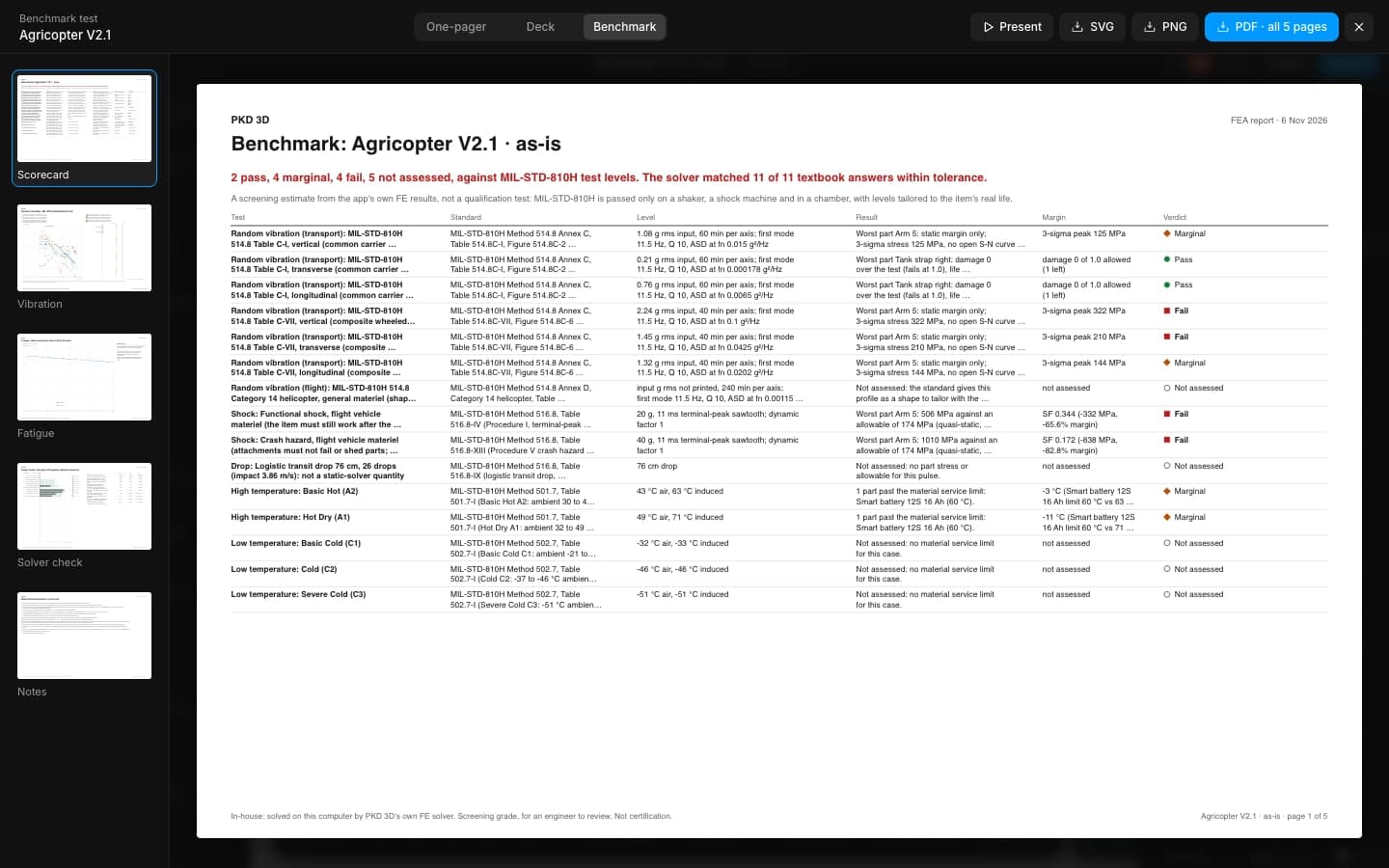
Custom benchmarks
Encode your programme's environmental spec as a profile and run it on every design.
Traceable changes
Branches, versions and a command-by-command history for every design.
Open formats
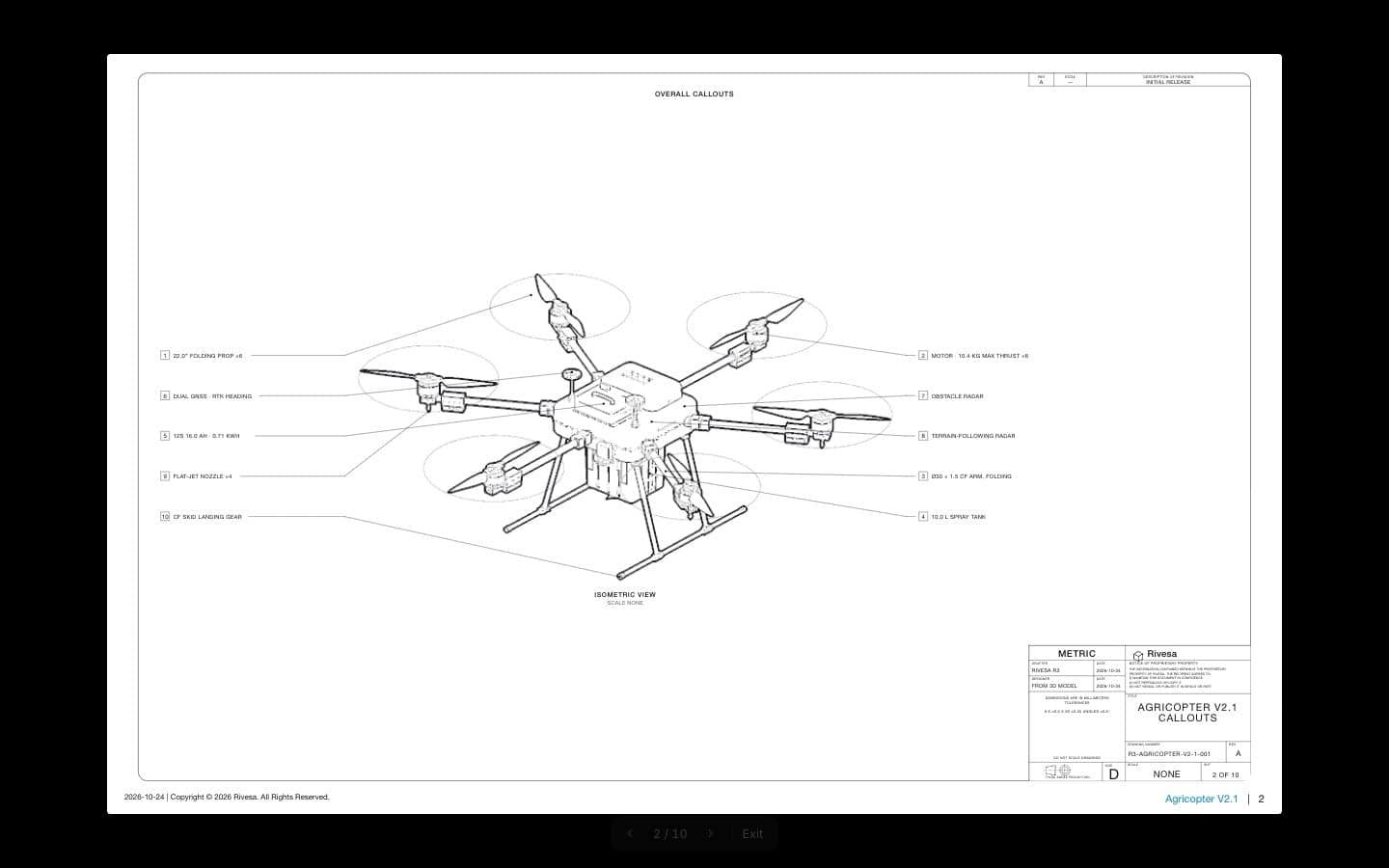
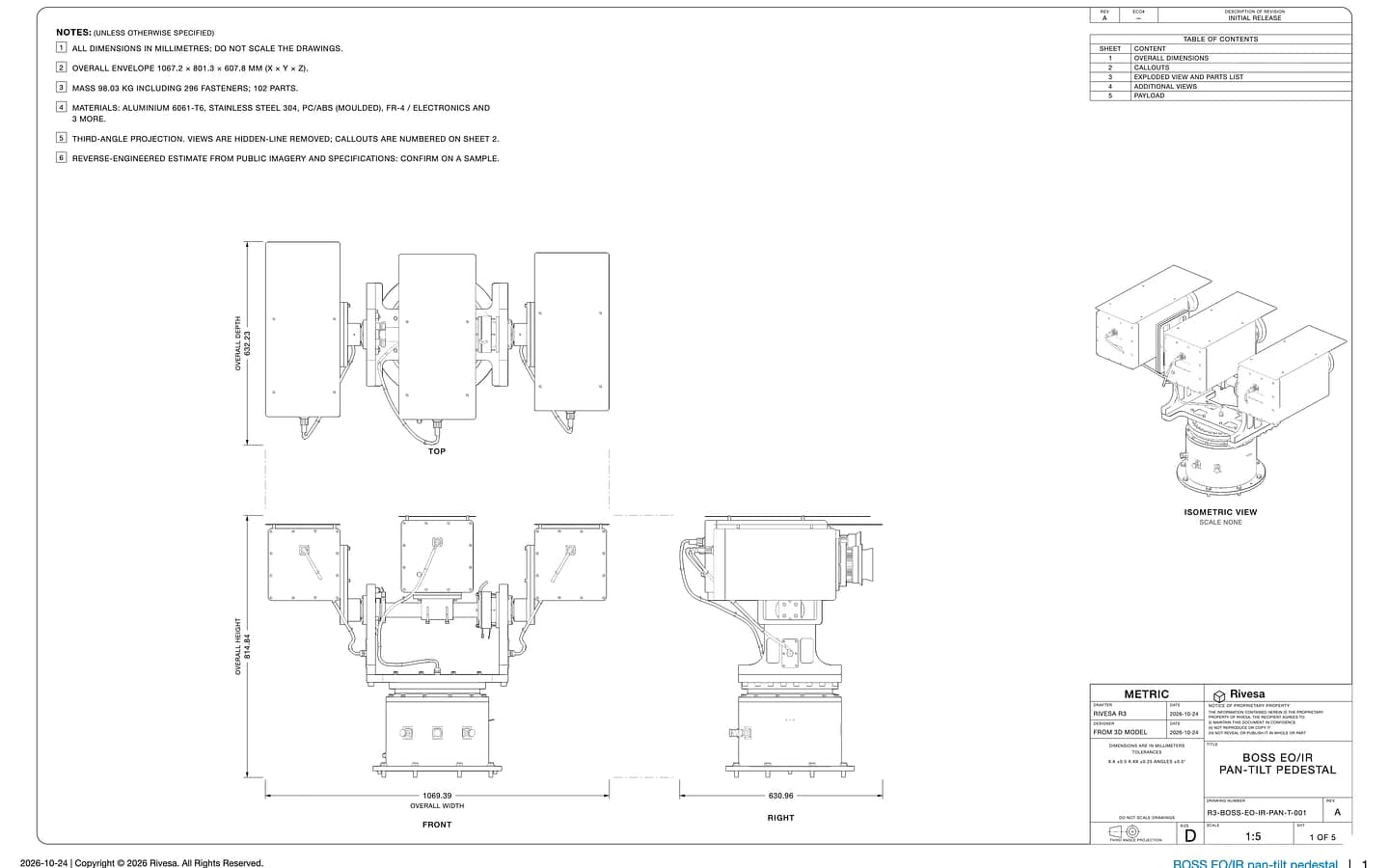
STEP, IGES, STL, PDF, SVG and DXF, so nothing is trapped in one tool.
Honest grades
Screening results say screening, and estimates say estimate, on every page.
One model,
every document
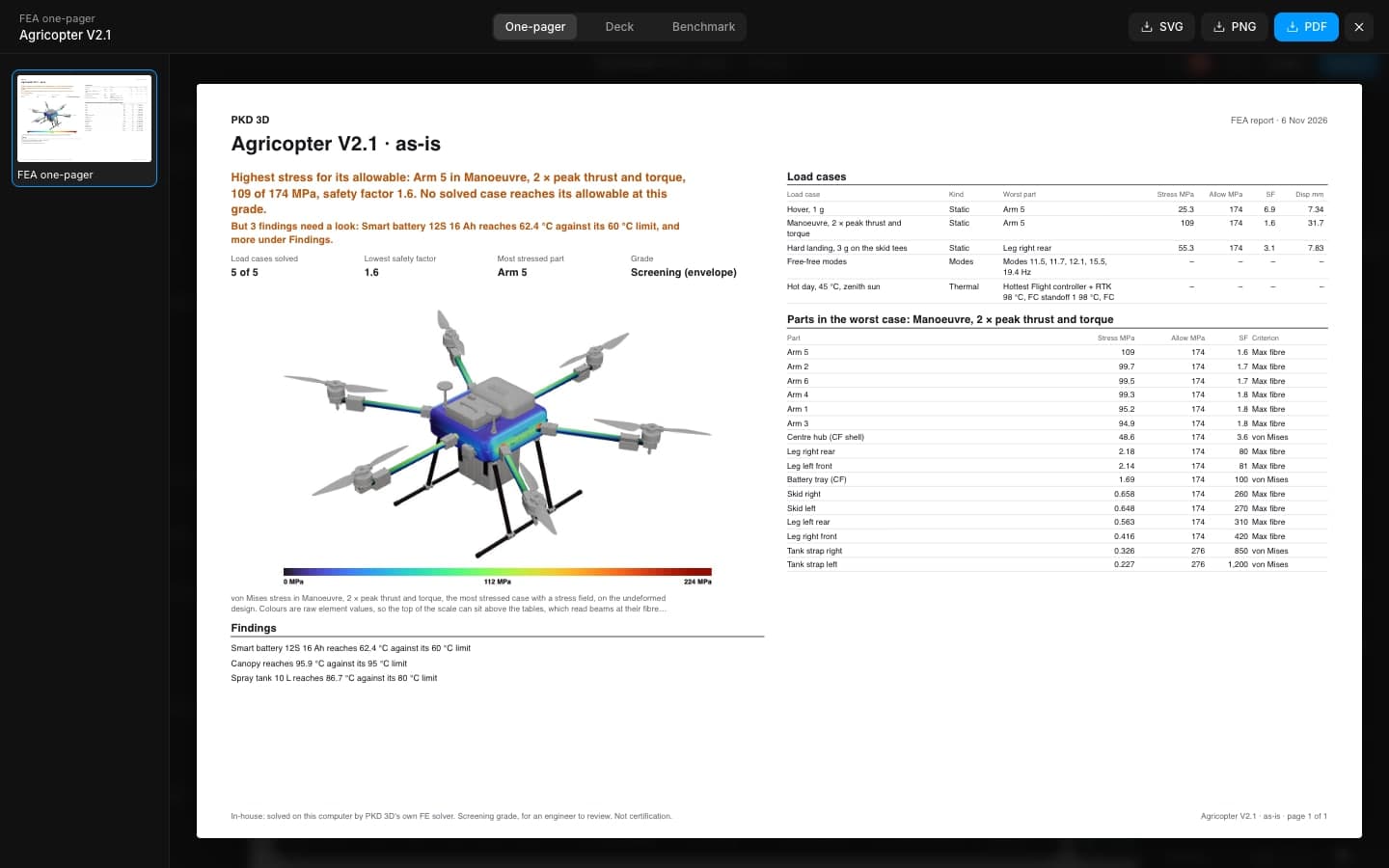
The concept, its analysis and its paperwork stay in step, so the review is about the design and not the version.
Enterprise
questions
Private deployments can run on a closed network. The agent then uses a model you host or is switched off.
Controlled designs should stay on infrastructure you control. Private deployment is built for that; talk to us about your programme's rules.
Yes. Enterprise plans include custom parts catalogues and benchmark profiles.
We run a working session on one of your real designs, then train the team on the parts of the tool they will use most.
Put your next concept through its paces
Bring a design you are working on. We will model it with you and run it against your programme's environments.