A design engineer that never tires.
Describe the job in plain words. The agent plans the build, picks real catalogue parts, models it in front of you and checks every stage.
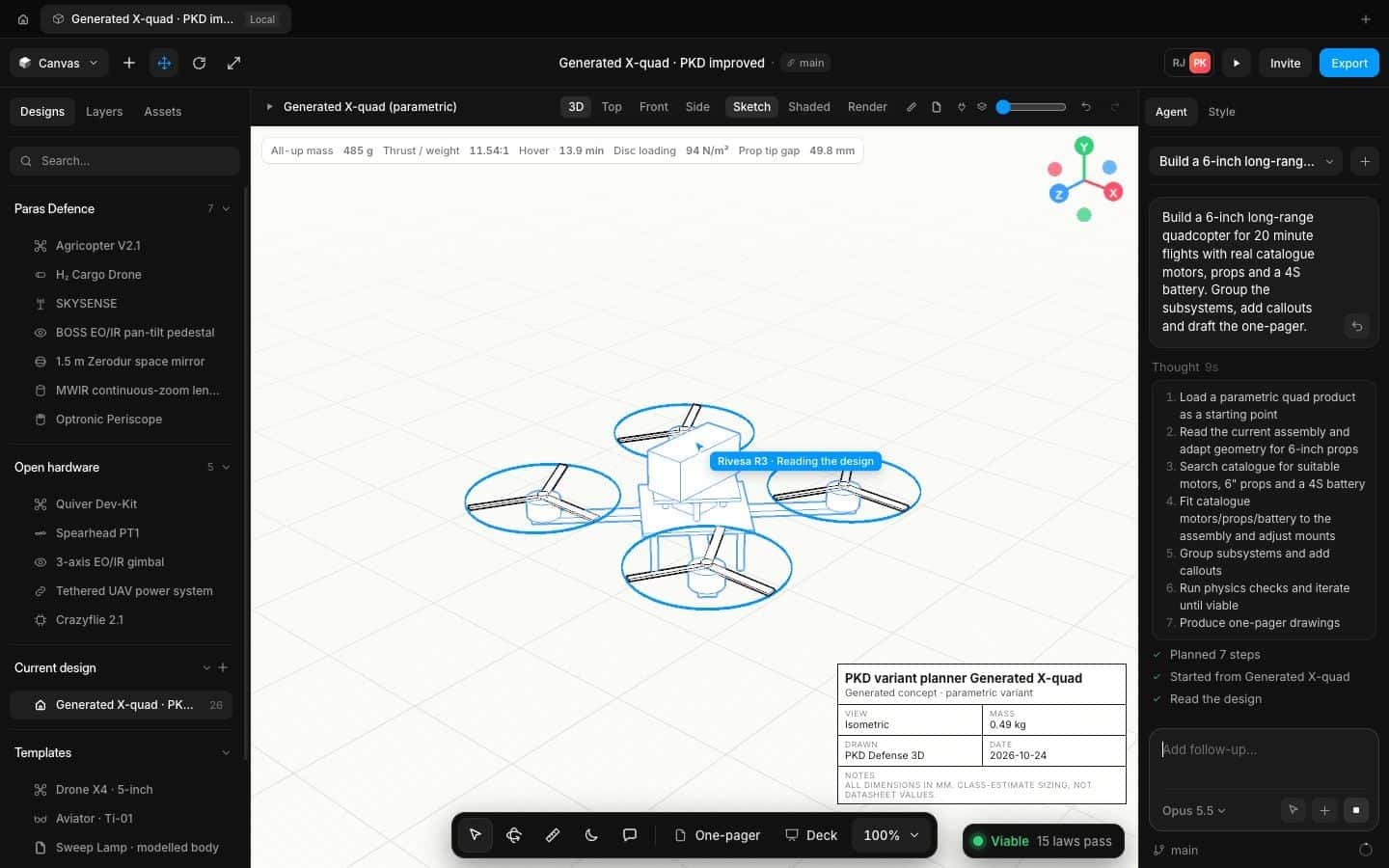
From brief to checked design
The agent works the way a careful engineer does, out loud.
Write the brief
Give it the payload, the endurance, the envelope, whatever you know. Missing numbers get a sensible default, said out loud.
- Plain-language briefs
- Assumptions listed, never hidden
- Ready-made prompts to start from
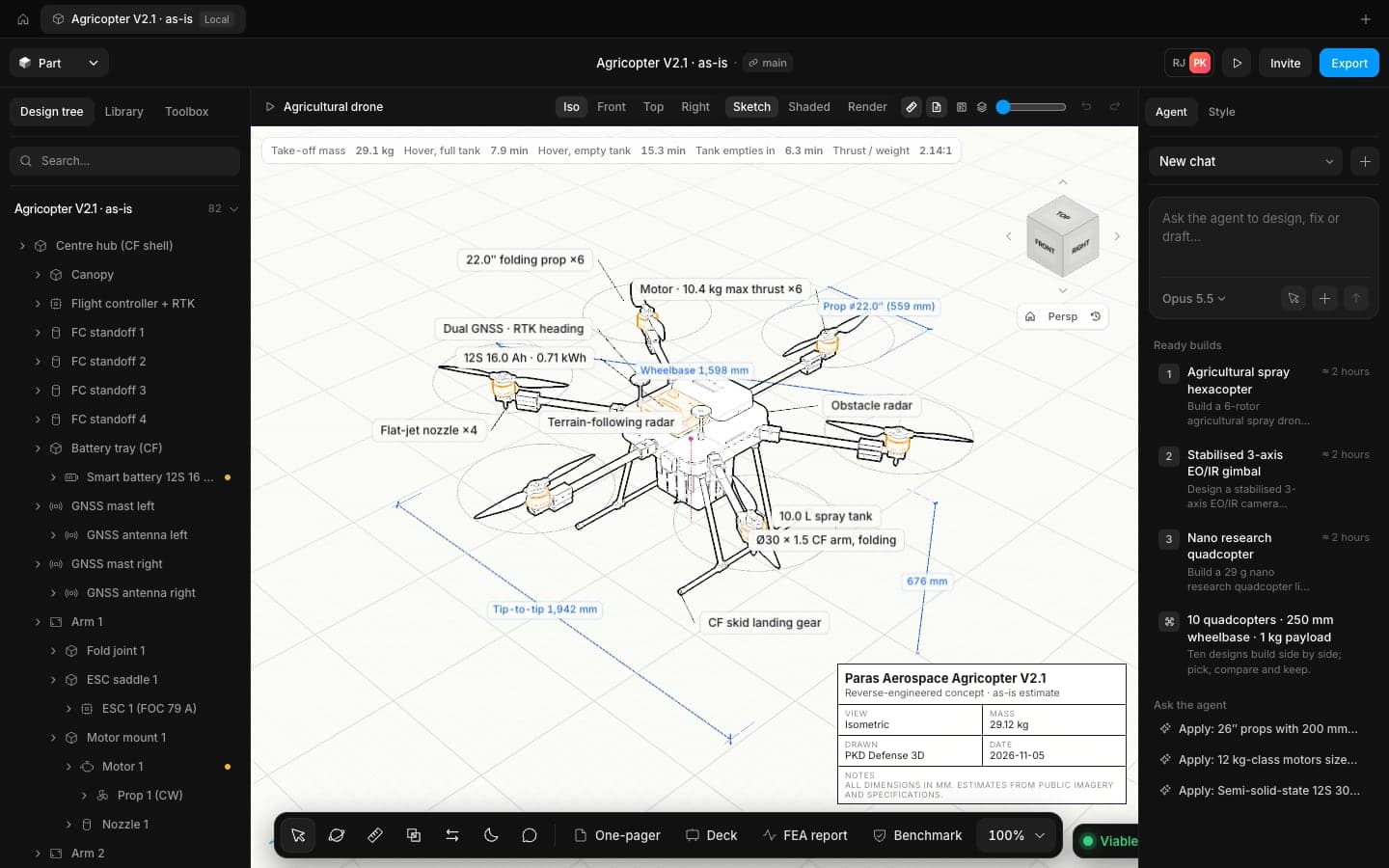
Watch it plan and build
It writes a numbered plan, searches the parts catalogue and runs the same modelling commands you would, one stage at a time.
- Readable plan before any geometry
- Real motors, props and batteries
- Every command one undo away
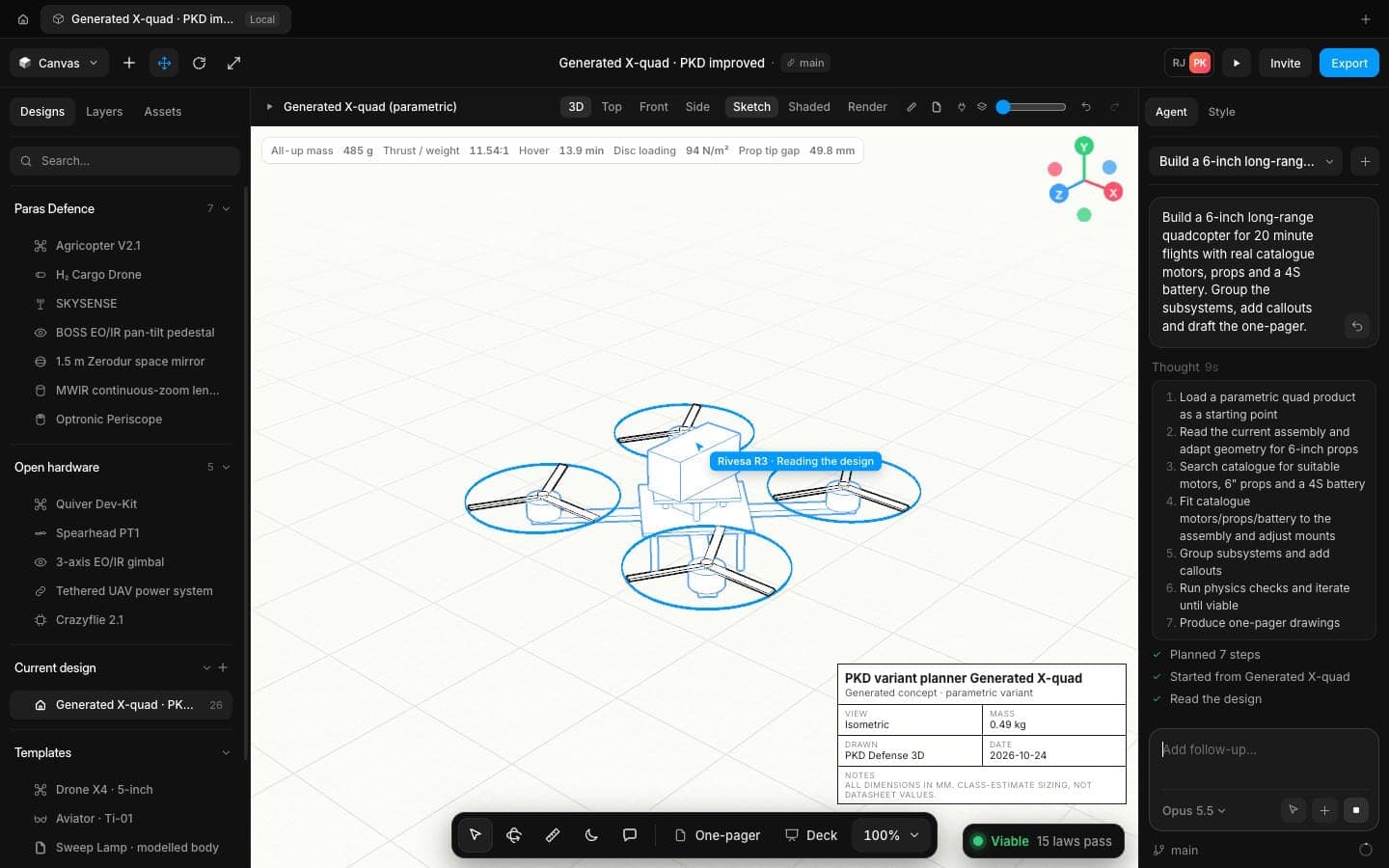
It checks, then repairs
After each stage it runs the physics check. When a law fails it finds the cause, makes the smallest change and checks again.
- Physics check after every stage
- Up to two repair rounds
- A final list of what passed and by how much
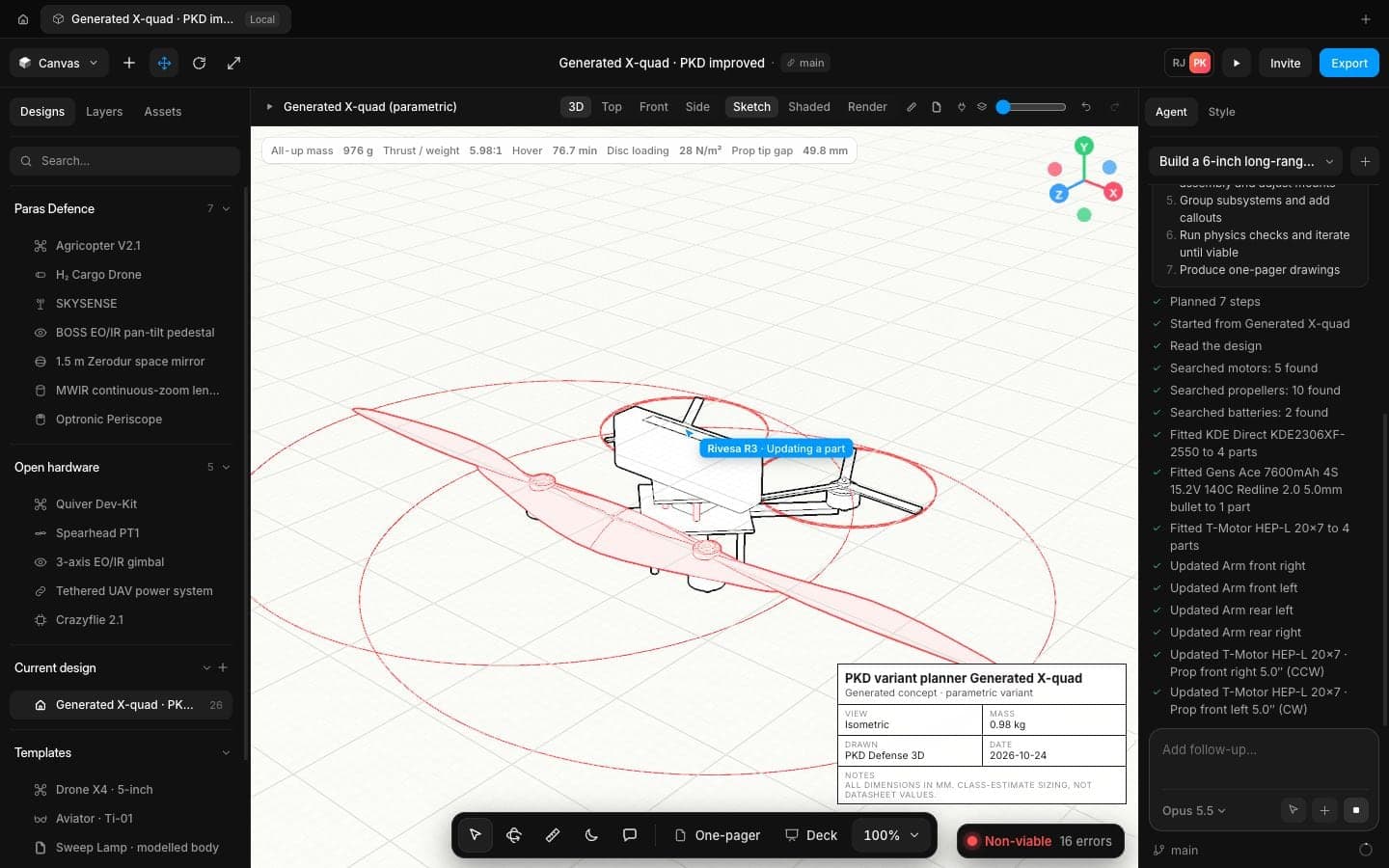
Made for real engineering work
Works on your open design
Ask for a change to the model you have open. The agent reads it first and builds into it.
Options, not just answers
Ask for three concepts and get three different ideas, compared on the same numbers.
Drive it from your tools
Use the same commands from Claude Code or any MCP client, with the model open in your browser.
Your own model key
Bring your own AI provider account, or turn the agent off for controlled work.
Names you recognise
Features, mates and drawings use the names engineers already know from desktop CAD.
Honest about limits
It never calls a design verified or flight-ready. It says what was estimated and what would settle it.
More of Speed
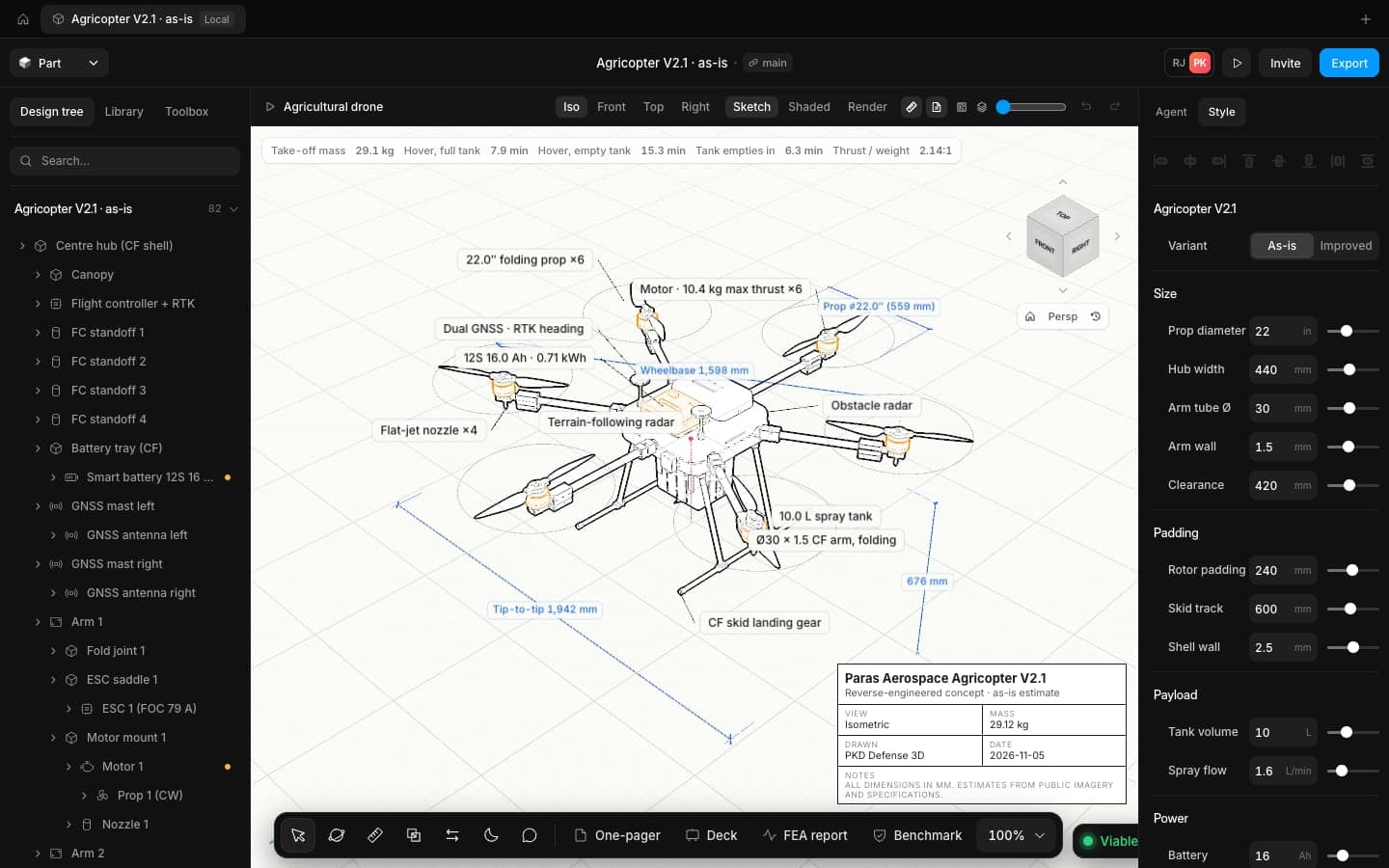
Physics checks
Mass, thrust to weight, hover time and disc loading update on every edit.
Learn more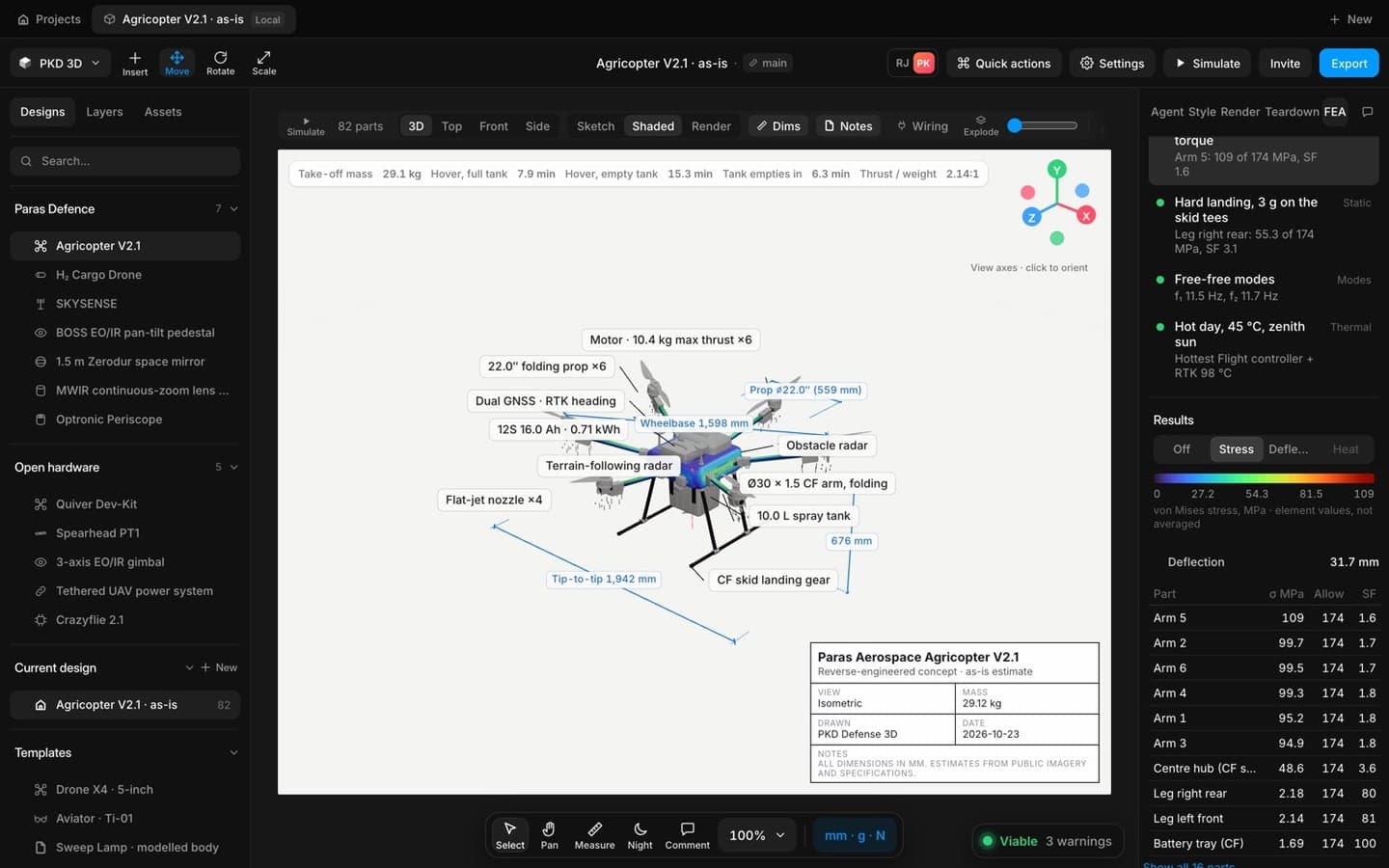
FEA and reports
Run FEA on the real parts in your browser.
Learn more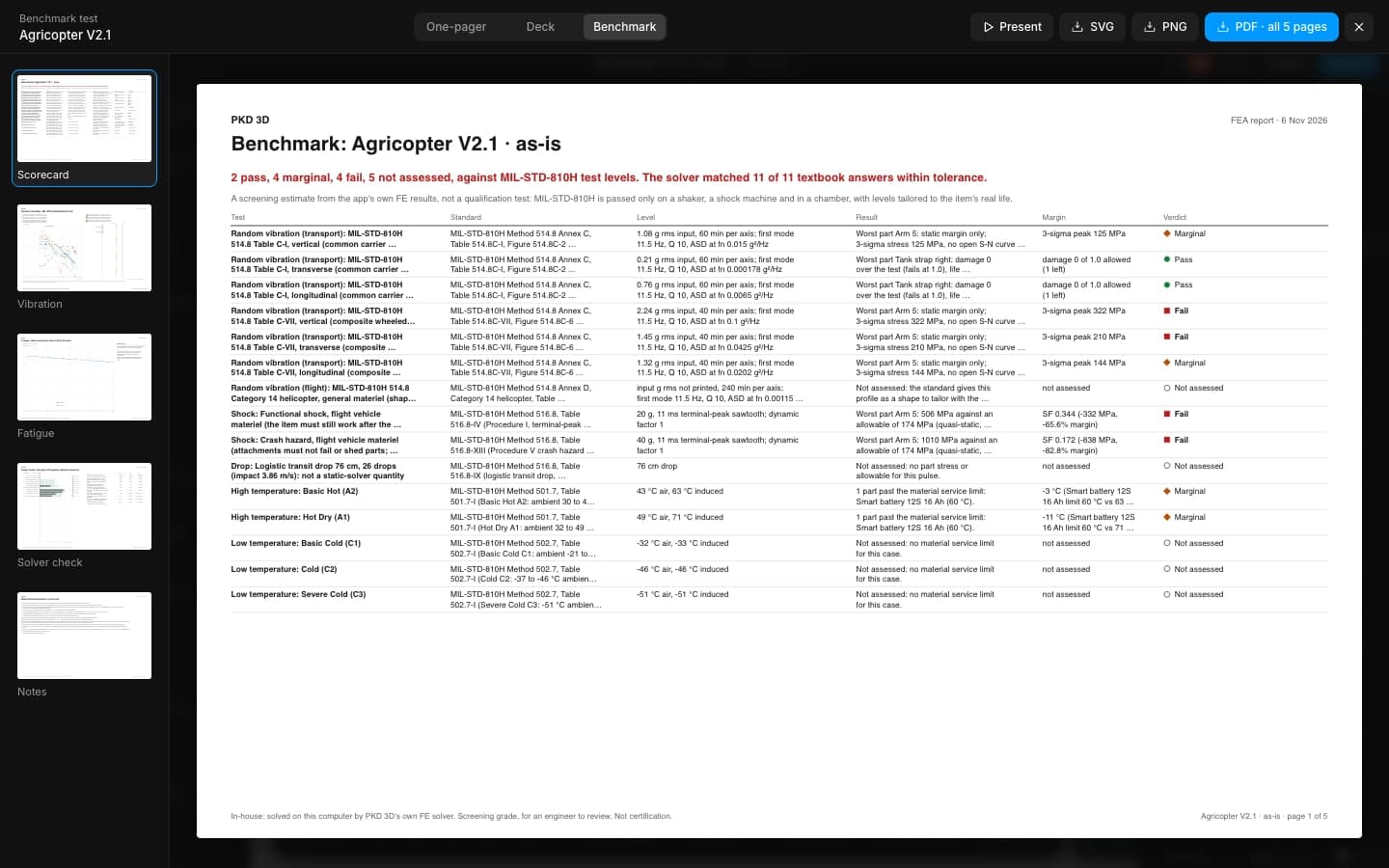
Benchmark
Benchmark runs your design through heat, cold, vibration and shock at MIL-STD-810H levels and shows which part runs out of margin first..
Learn more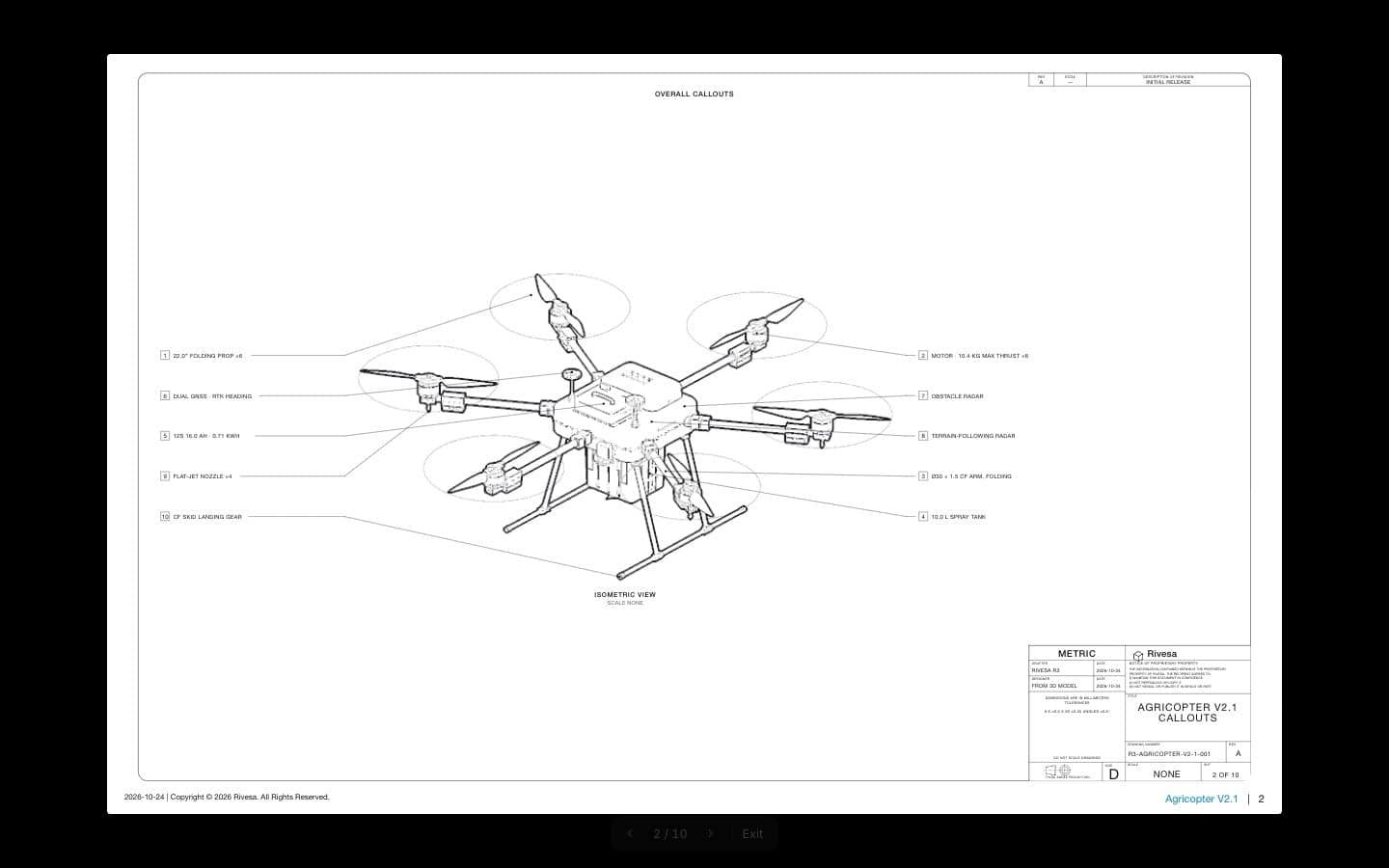
Drawings
Views, sections, callouts, title blocks and GD&T, made from the 3D model and kept in step with it.
Learn more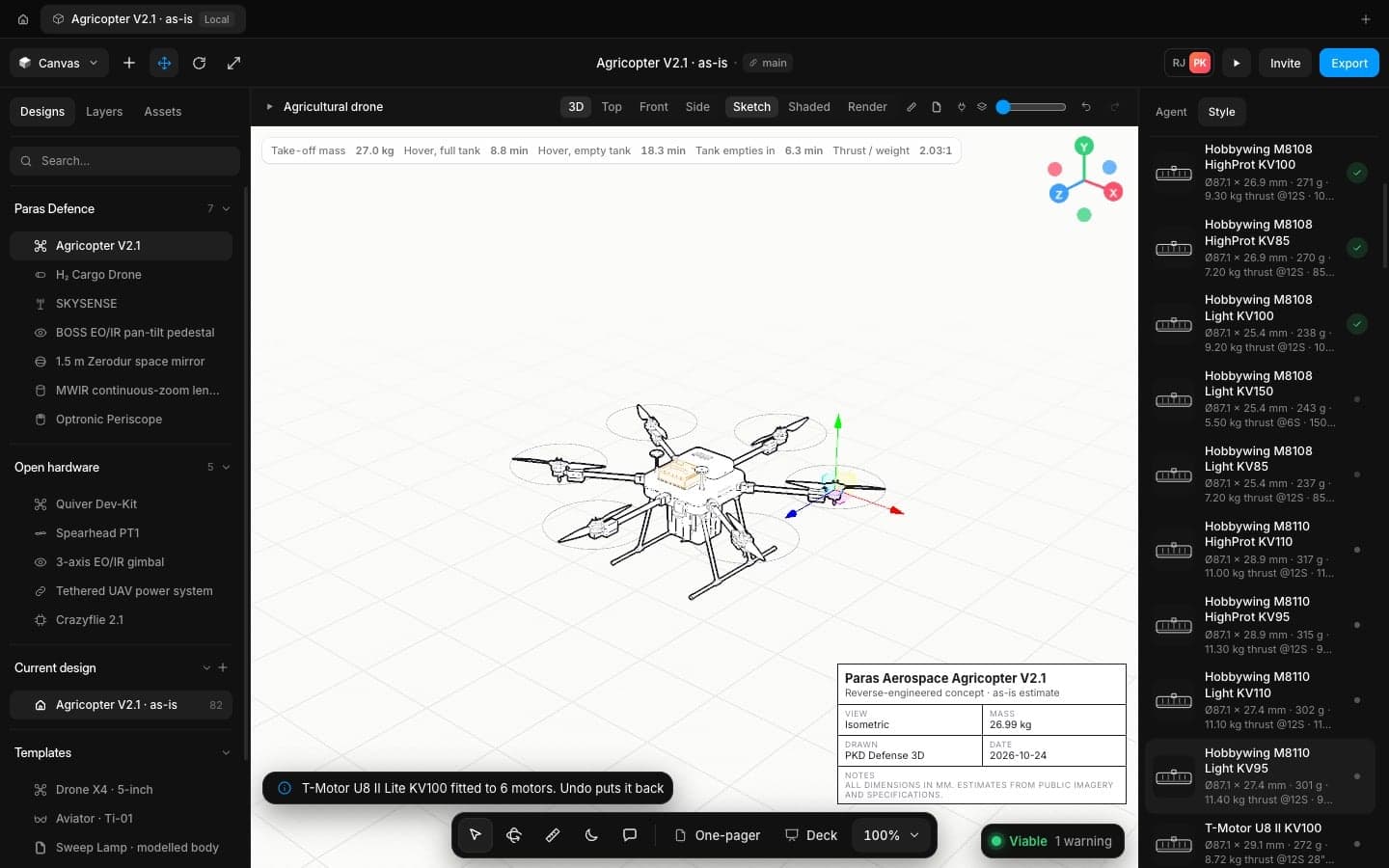
Compare
Pick a motor, a battery, a bearing or a fastener.
Learn moreFrequently
asked questions
It runs on current frontier models through your choice of provider. Teams can use their own key, and enterprise deployments can pin a model.
Yes. It reads the open design before it acts and asks before discarding anything.
No. It does the drafting and the arithmetic quickly and shows its working, so an engineer can review more options in less time.
Ship hardware at the speed your programme moves
Open the app in your browser and have a checked concept on screen in minutes. No install, no licence server.