Your agentsMeet Speed
Connect the Speed MCP and turn your AI agent into a design engineer. Describe the hardware, and every model, check and report stays editable by you or the agent.
The button copies one prompt. Paste it into Claude Code or Codex and it walks you through the rest.
Any design
from any brief
Copy a prompt, paste it into your agent once it's connected, and watch it build in your browser.
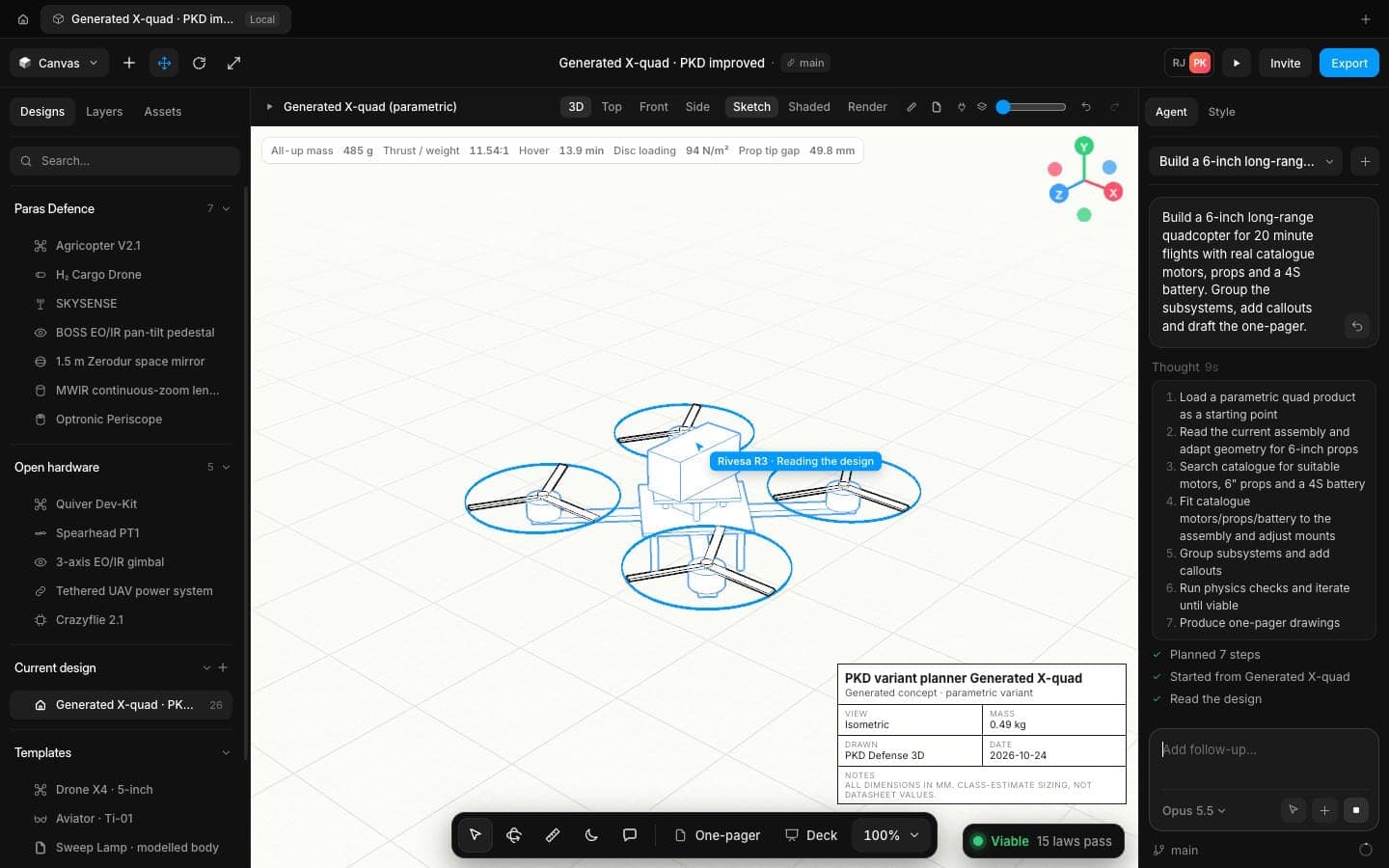
Long-range quad
A 6-inch quad for 20-minute flights with real motors, props and a 4S pack.
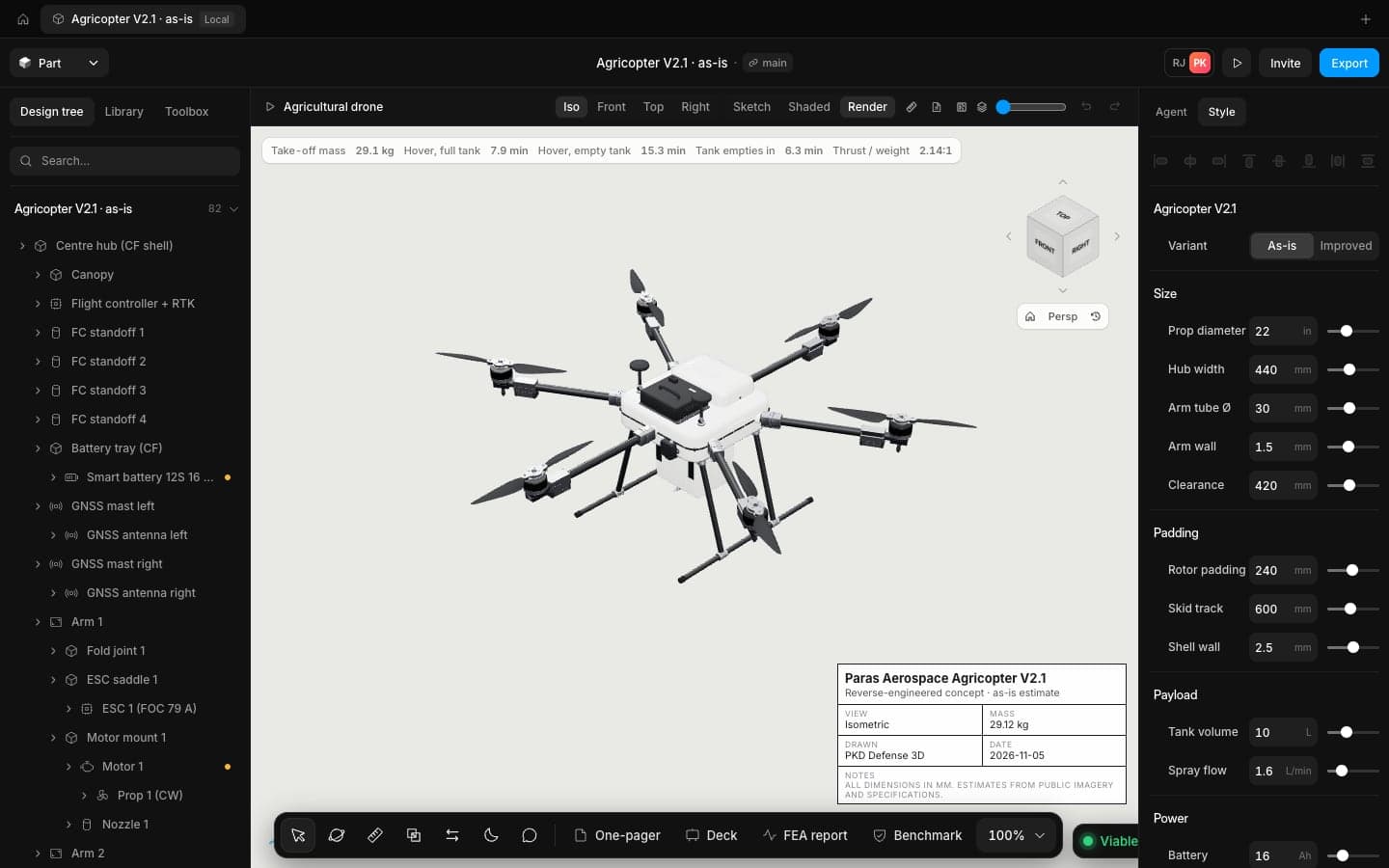
Spray drone
A six-rotor sprayer with a 10 L tank, checked full and empty.
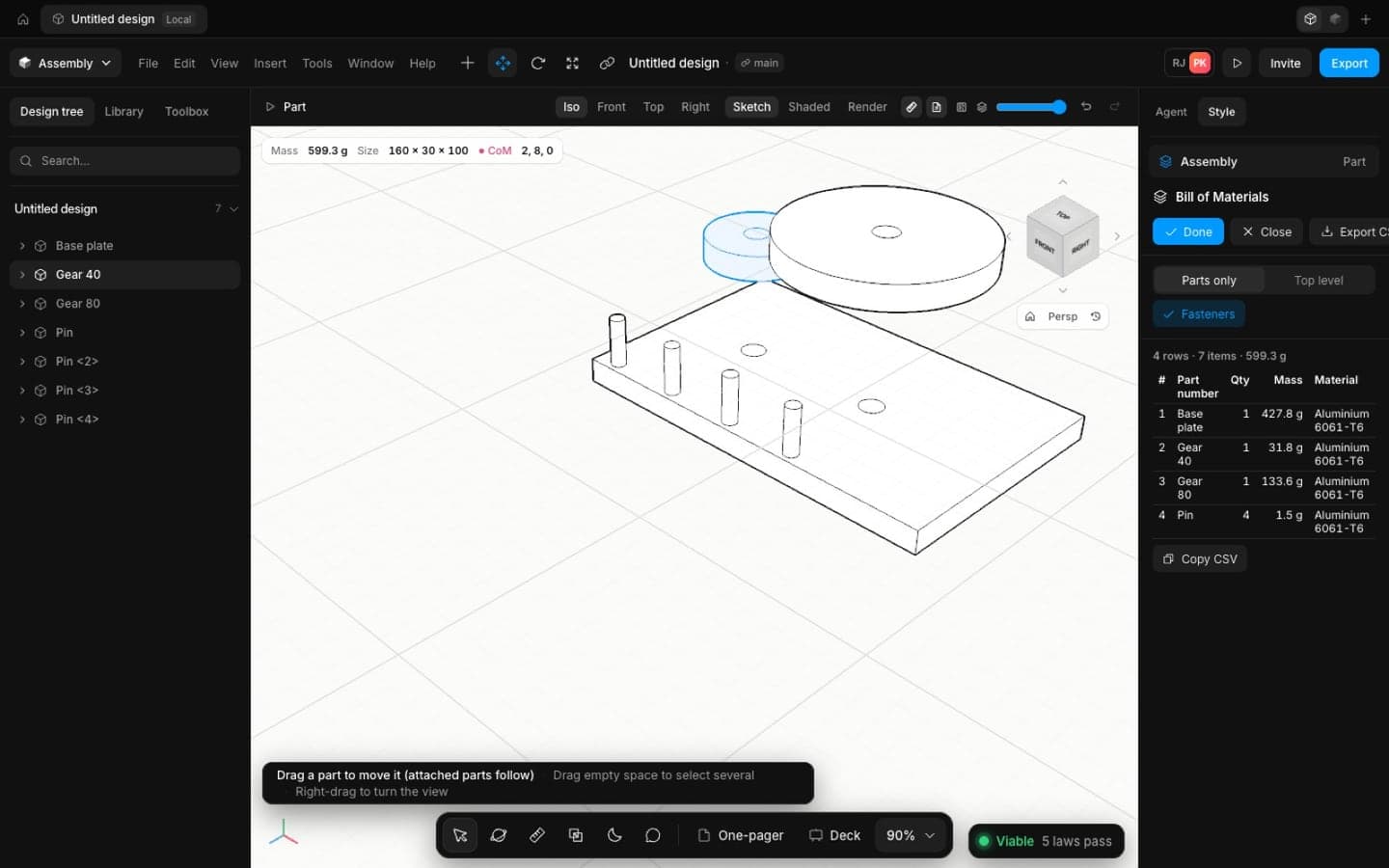
Motor mount bracket
A machined plate with a real bolt pattern and fillets.
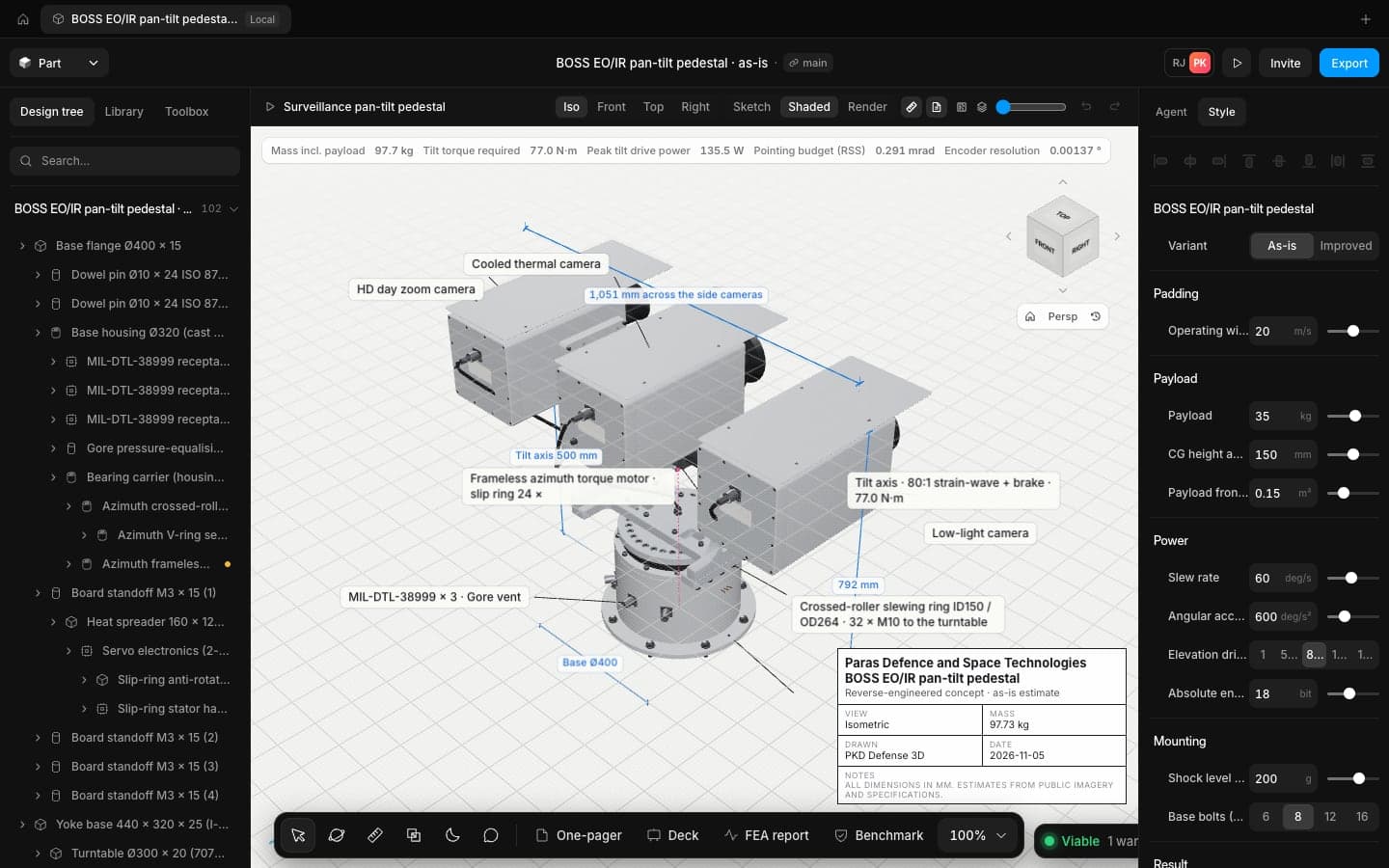
EO/IR gimbal
A two-axis pedestal with torque and pointing budgets.
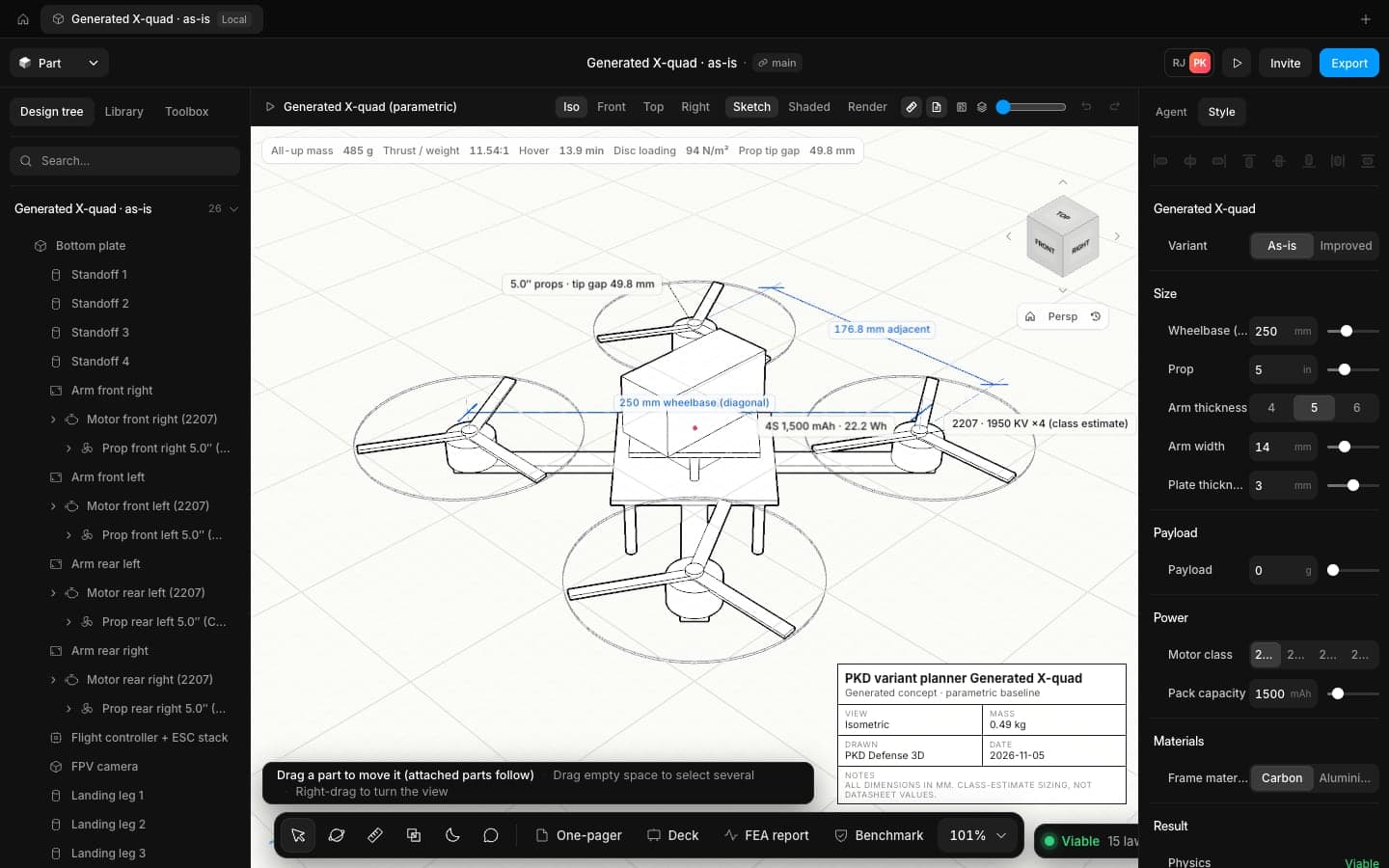
Trade study
Three concepts that differ in a real way, compared on the same numbers.
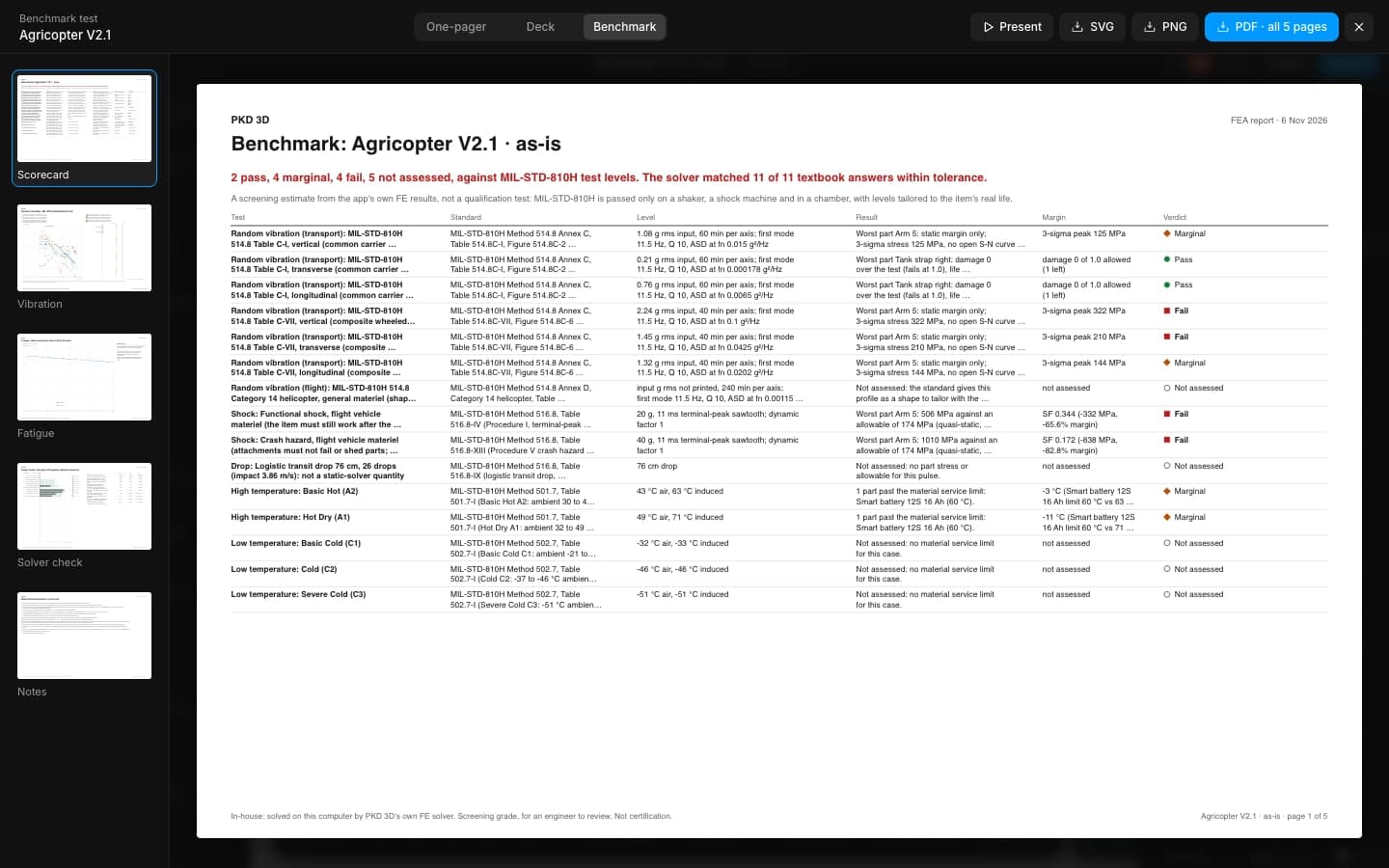
Benchmark a design
Run the open design against MIL-STD-810H levels.
Set up
in about a minute
A small local server connects your agent to the PKD 3D tab. No API key, and your agent runs on your own subscription.
Claude Code
Works today- In a terminal, run the two commands below.
- Restart Claude Code.
- Paste the Speed prompt and say "done".
claude plugin marketplace add rajjobalia10/PKD-DEFENSE-4.0
claude plugin install pkd-defense-3d@pkd-toolsEarly access: the plugin repo is private, so we add your GitHub account first. Ask at tryspeed.ai/contact.
Codex
Installs, not fully tested- Clone the plugin and add it as a marketplace, as below.
- Restart Codex.
- Paste the Speed prompt and say "done".
git clone https://github.com/rajjobalia10/PKD-DEFENSE-4.0 ~/speed-plugin
codex plugin marketplace add ~/speed-plugin
codex plugin add pkd-defense-3d@pkd-toolsInstalls and starts; a full build through Codex is not tested yet.
Cursor and other MCP clients
Installs, not fully tested- Clone the plugin as for Codex.
- Add this server to your client's MCP settings (for Cursor: ~/.cursor/mcp.json).
- Reload the client, paste the Speed prompt and say "done".
{
  "mcpServers": {
    "speed": {
      "command": "node",
      "args": [
        "~/speed-plugin/plugins/pkd-defense-3d/server/index.mjs"
      ]
    }
  }
}Any client that runs local (stdio) MCP servers should work. Replace ~ with your full home path if the client does not expand it.
Claude.ai and ChatGPT (web)
Coming soon- Web chats need a hosted connector URL, which is coming. Use Claude Code or Codex for now.
The prompt and the setup, written for agents
Point your agent at tryspeed.ai/llms.txt or tryspeed.ai/docs/agent-setup.md and it can set itself up.
Every tool
your agent gets
The same commands the toolbar runs, plus physics, FEA, the parts catalogue and exports. Every call shows in the Agent panel, where you can pause or undo it.
statusIs the PKD 3D tab connected, and which design is open.open_appOpen PKD 3D in the browser; the tab connects by itself.skill_referenceRead the modelling rules: command shapes, plane axes and known traps.set_planShow the goal, approach, stages and assumptions in the Agent panel.new_designStart an empty design (asks first if the open one has features).inspect_designParameters, timeline, bodies, sketches and checks of the open design.list_commandsThe command catalogue with one-line parameter docs.describe_commandOne command's full parameters and contract.executeRun one modelling command, exactly as the toolbar does.batchRun several commands in order, stopping at the first error.set_parameterCreate or change a user parameter and rebuild.check_parametersTry parameter values without keeping them.measureVolume, area, centre of mass and bounding box.body_topologyEdges and faces of a body, for exact picks.view_modelA picture of the model from any view.run_physics_checkMass, thrust, hover time and every law, pass or fail.search_catalogueReal motors, props, batteries, ESCs, bearings and fasteners.run_feaScreening FEA on the real parts, with the loads and supports you name.clear_fea_paintRemove FEA colours from the model.export_designSTEP, STL, DXF, PDF one-pager and parts list, saved to disk.undoUndo the last change.redoRedo the last undone change.MCP
questions
Claude Code works today. Codex and other clients that run local MCP servers, such as Cursor, install and start but are not fully tested yet. Web chats like claude.ai and ChatGPT need a hosted connector, which is coming.
No. The agent runs on your own Claude Code or Codex subscription, and the MCP server has no key of its own.
The model lives in your PKD 3D browser tab. What the agent reads, including your design's numbers and pictures of it, goes to your model provider. Don't use it with data your company hasn't cleared for that.
Yes. Pause in the Agent panel refuses every further call, and Undo this run puts the design back to where the agent started.
Bring your agents. Speed brings the workshop.
Copy the prompt, paste it into your agent, and have a checked concept on screen in minutes.