Teach design with real numbers
Students see why a design works, not just what it looks like. Nothing to install, so a lab can start on any laptop in minutes.
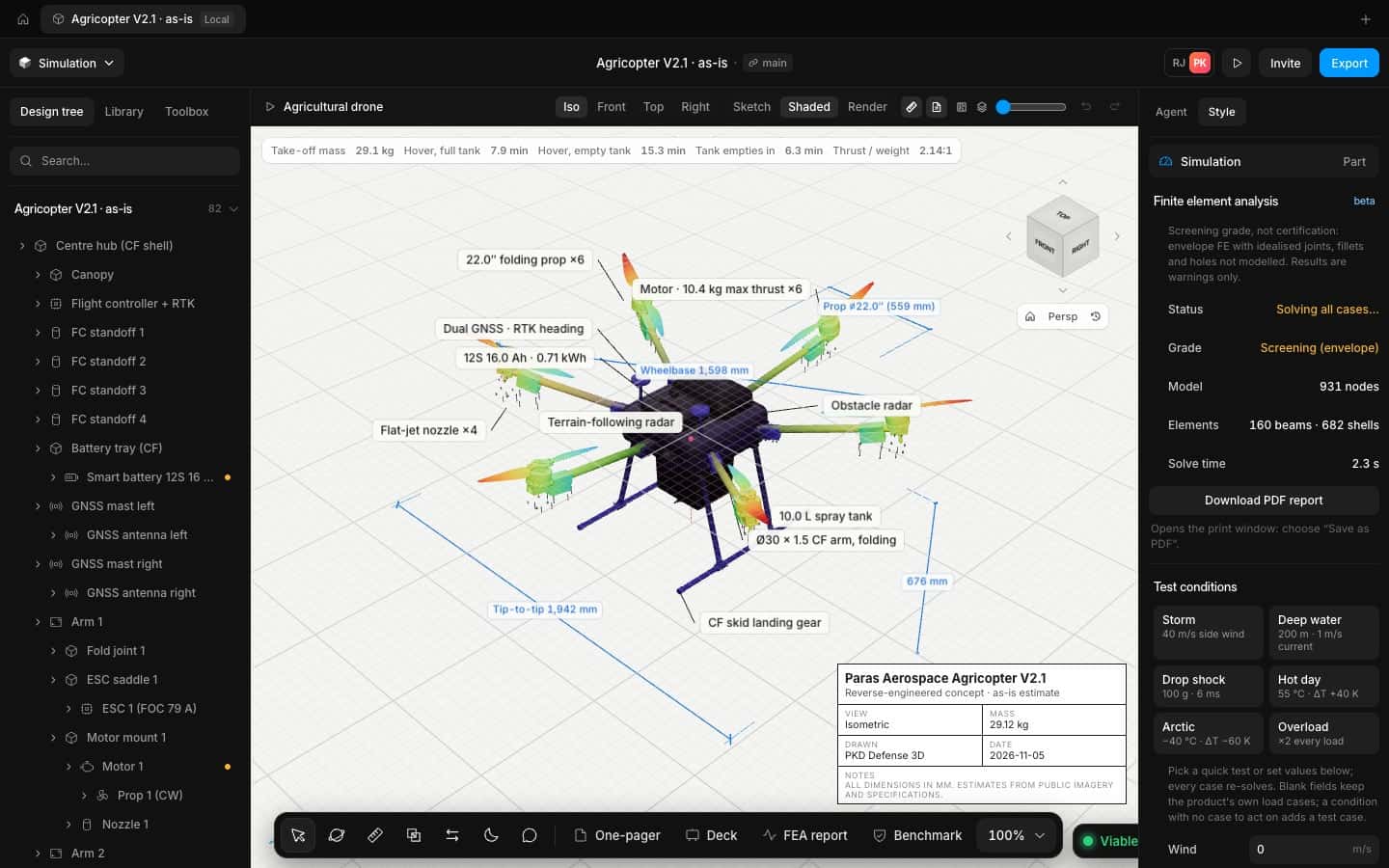
What gets in the way
and what changes
The problems we hear most from research and universities, and how Speed takes them off the table.
Licence servers and installs
Speed runs in the browser. Share a link, not an installer.
Black-box answers
Every law shows its inputs, and the solver is checked against textbook cases.
Projects that stop at the render
Students take a design through physics, FEA and drawings in one tool.
How it works
Three steps, one model, no exports in between.
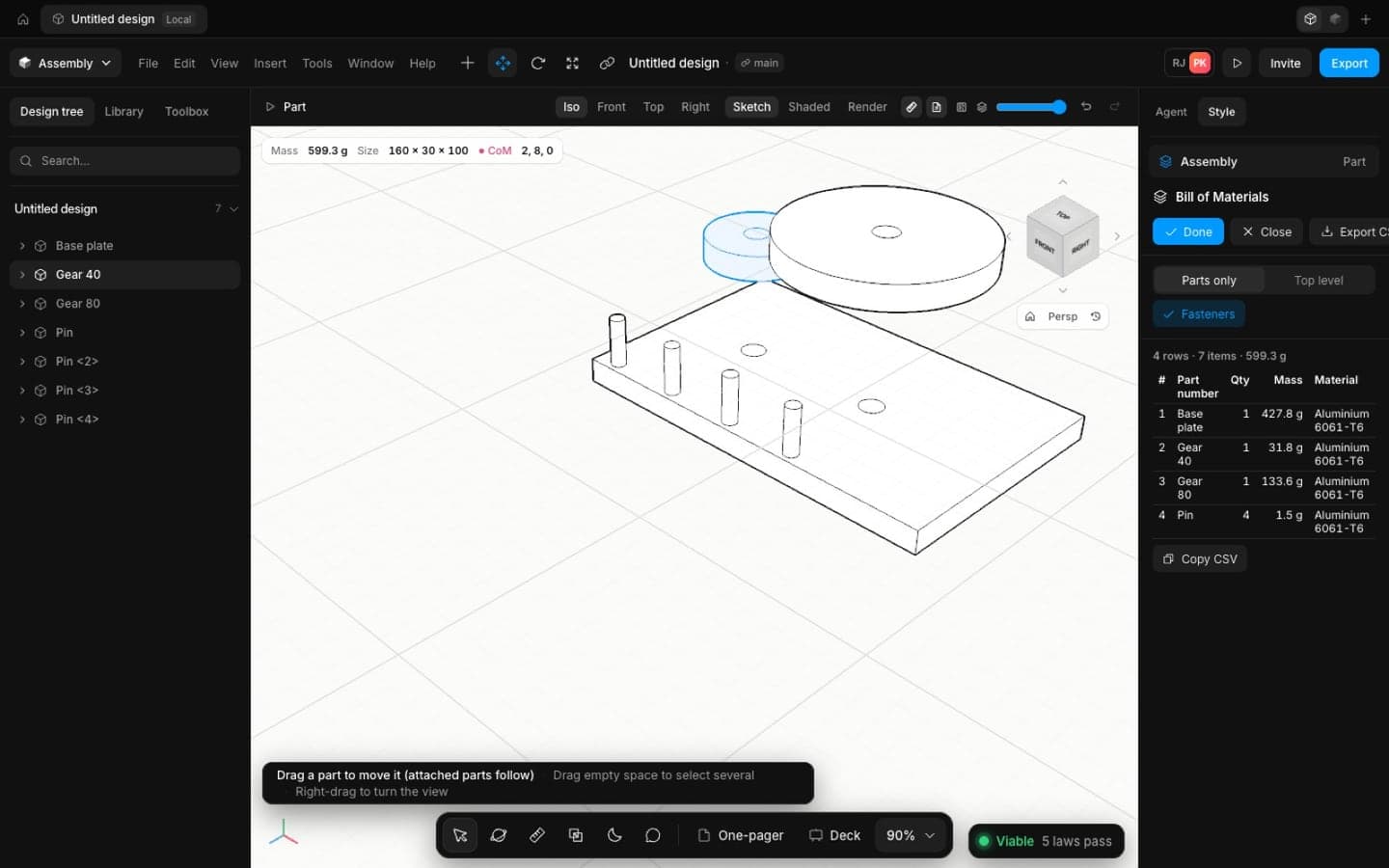
Model by hand
Sketches, relations, features and assemblies, the way industry CAD works.
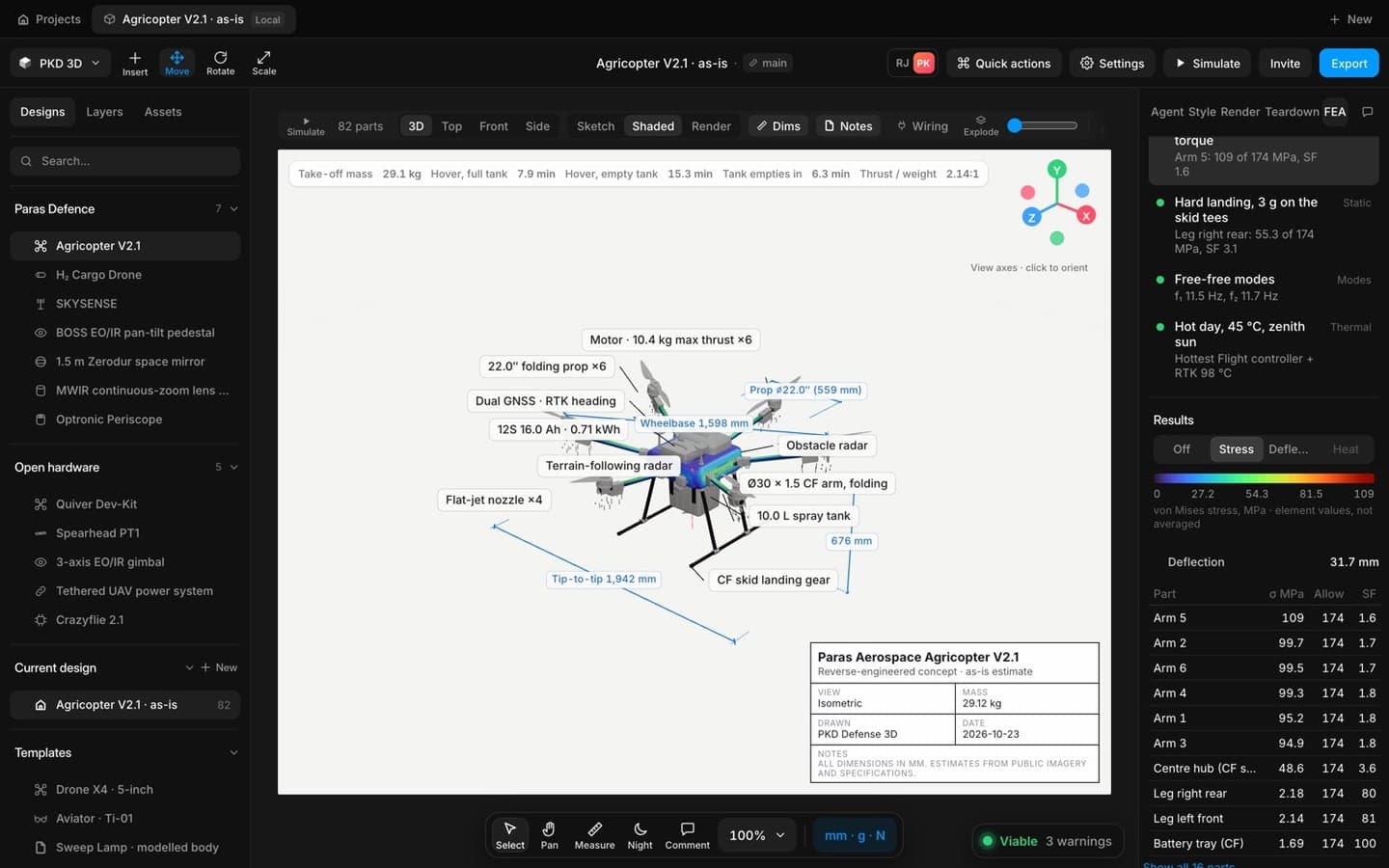
Analyse it
Stress, modes and heat on the real parts, with the assumptions on screen.
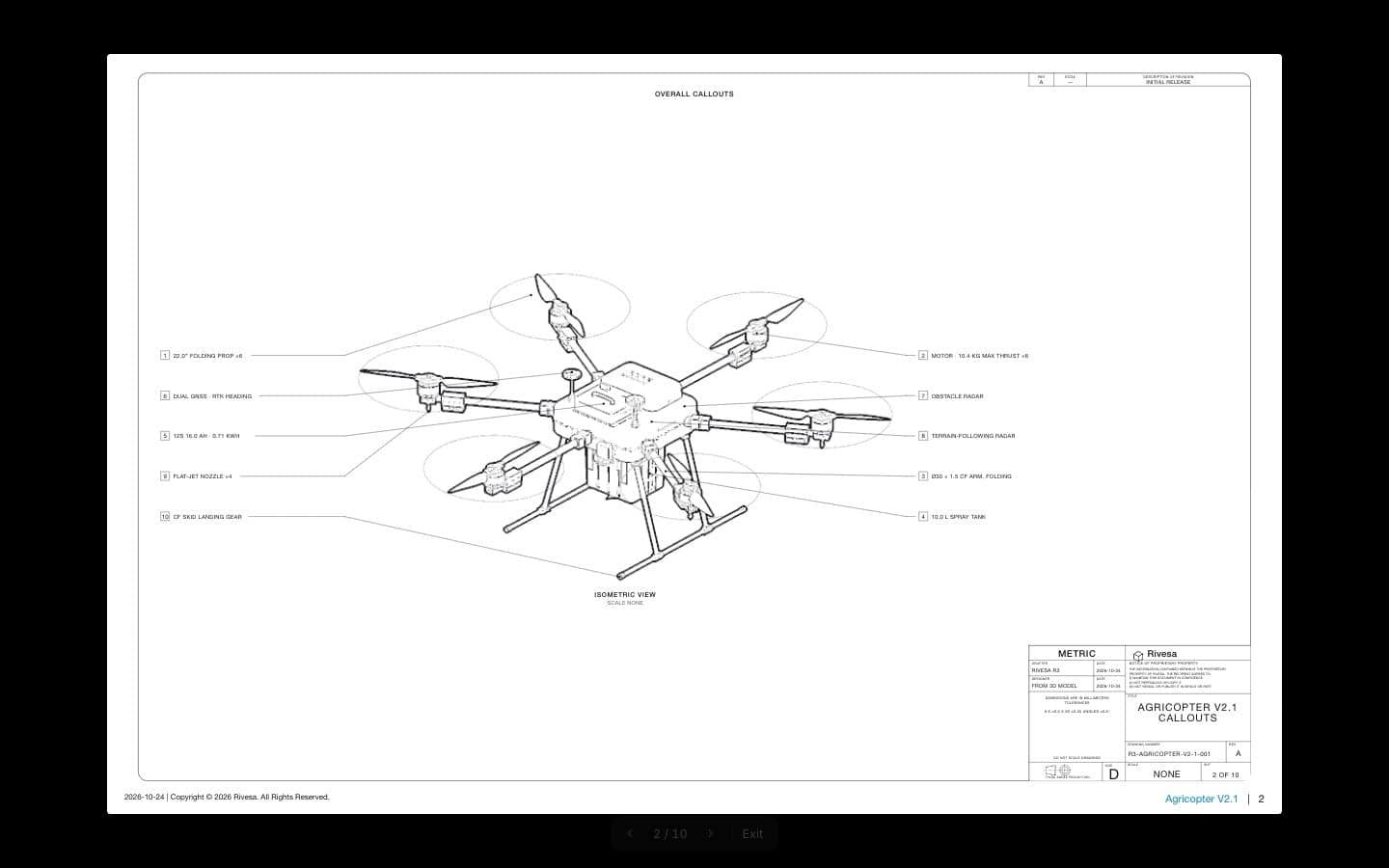
Present it
The deck and drawings come straight from the model.
The tools you'll use most
Drawings
Views, sections, callouts, title blocks and GD&T, made from the 3D model and kept in step with it.
Learn more about DrawingsShip hardware at the speed your programme moves
Open the app in your browser and have a checked concept on screen in minutes. No install, no licence server.