Everything in PKD 3D
A full CAD toolset in the browser, with the physics, analysis and paperwork built in. Jump to a feature, or start with the AI design agent.
Part modelling
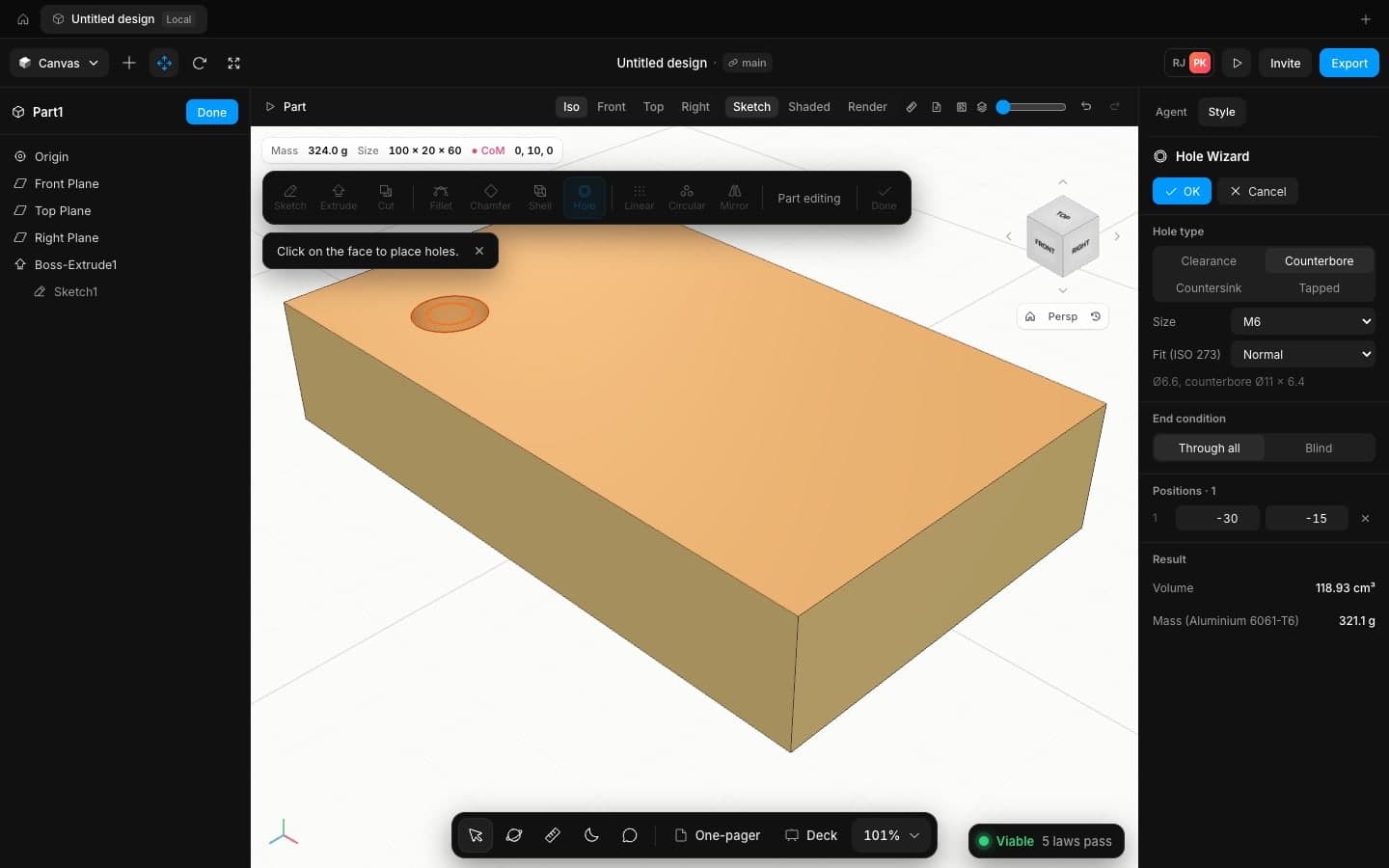
Sketches with relations and dimensions, then extrude, revolve, sweep, loft, fillet, chamfer, shell, draft, rib, hole wizard and patterns, with a feature tree you can roll back.
- Fully defined sketches with degrees of freedom
- Hole wizard with counterbore, countersink and threads
- Linear, circular and sketch-driven patterns
Assemblies
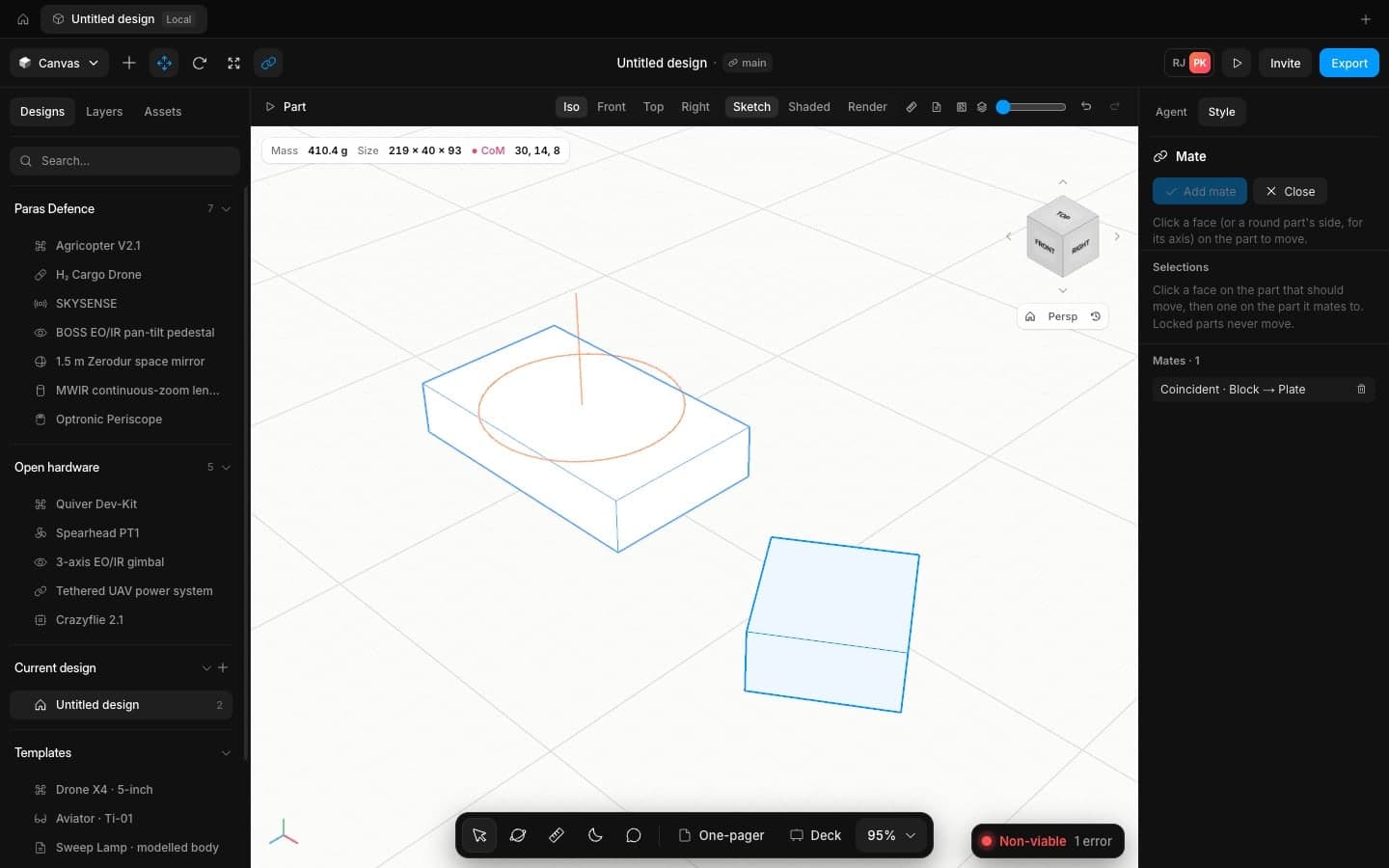
Insert parts, mate them with standard, advanced and mechanical mates, and drive motion through one solver that counts every component's degrees of freedom.
- Gear, rack and pinion, screw, cam and hinge mates
- Interference and clearance checks
- Component patterns and mirror
Exploded views and BOM
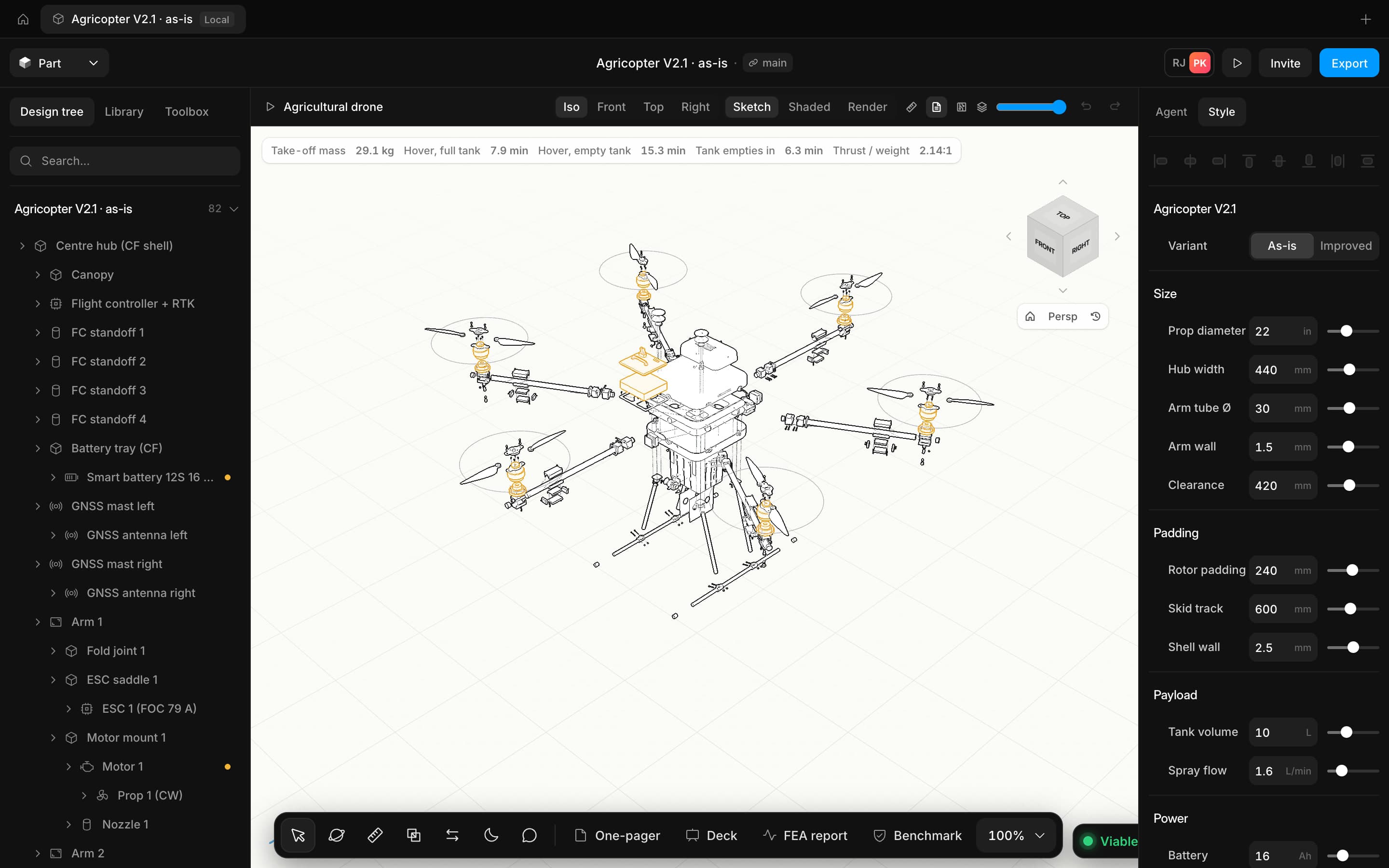
Explode steps with explode lines, and a bill of materials made from the assembly, ready for the drawing.
- Step-by-step explode
- Explode lines
- Parts list with quantities
Sheet metal
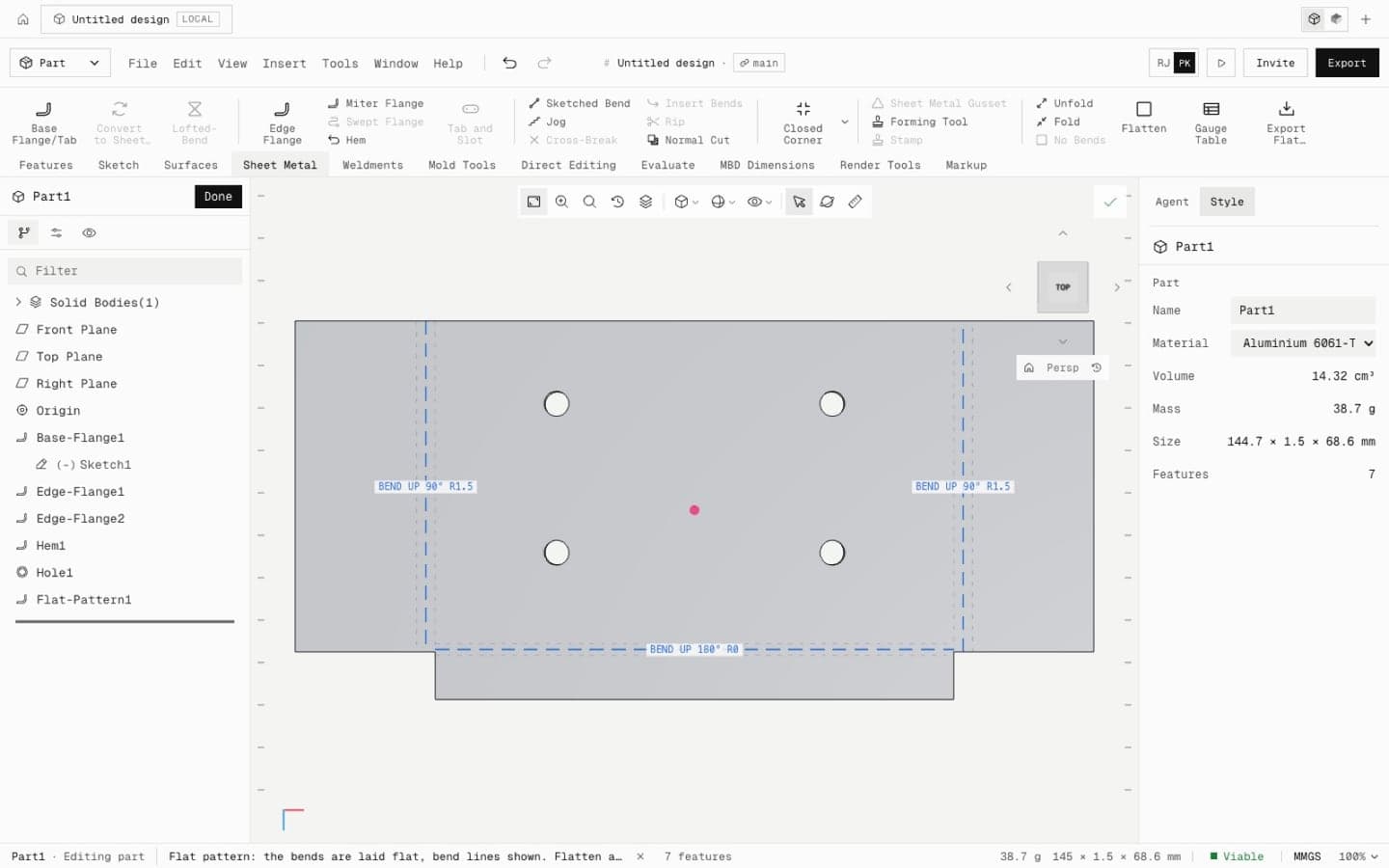
Base, edge and miter flanges, hems, jogs and sketched bends with a K-factor bend allowance, then flatten to a flat pattern.
- K-factor bend allowance
- Flat pattern export
- Forming tools
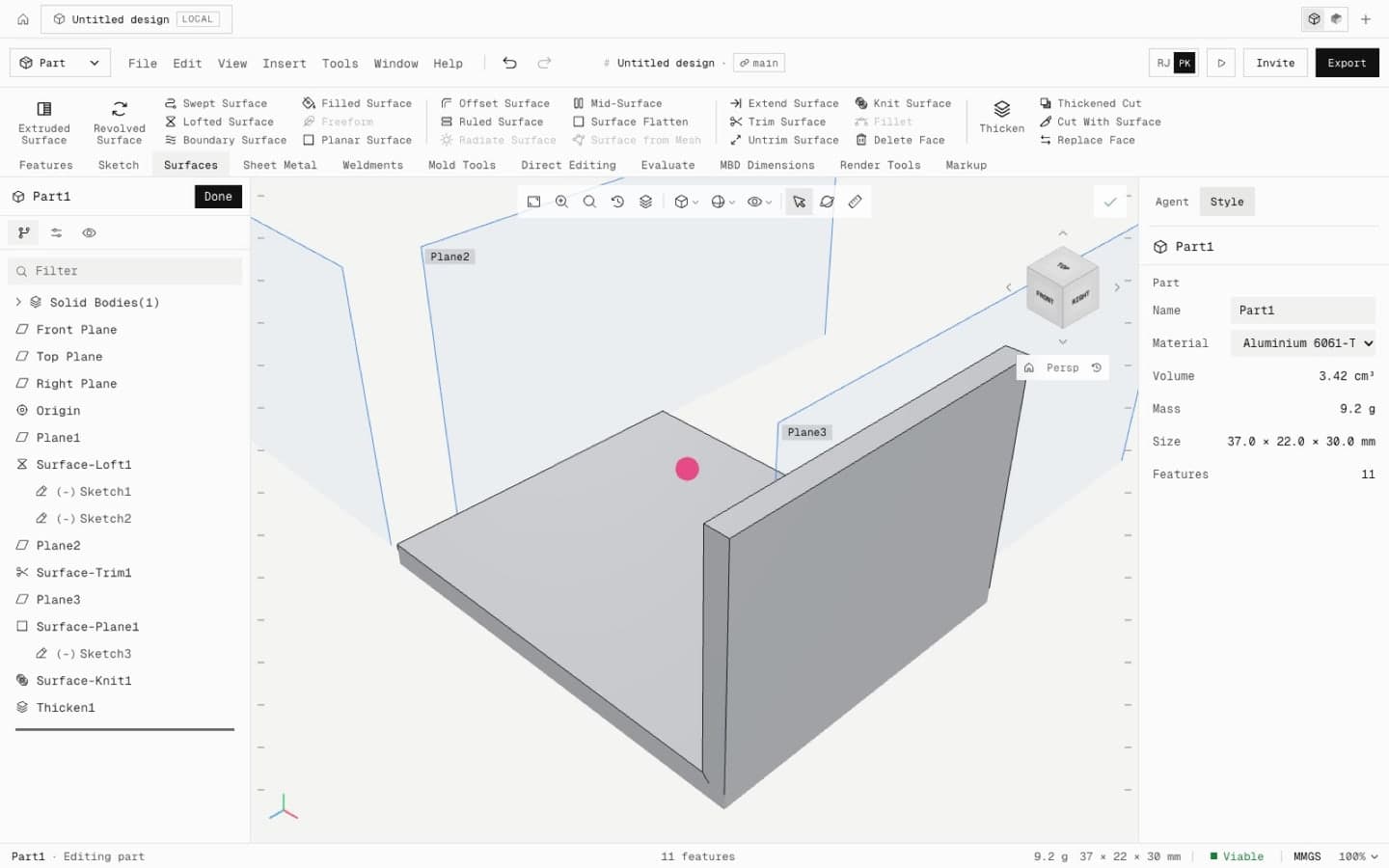
Surfaces
Extruded, revolved, swept, lofted and boundary surfaces, then trim, knit and thicken into solids.
- Loft and boundary surfaces
- Trim, knit and fill
- Thicken to a solid
Weldments
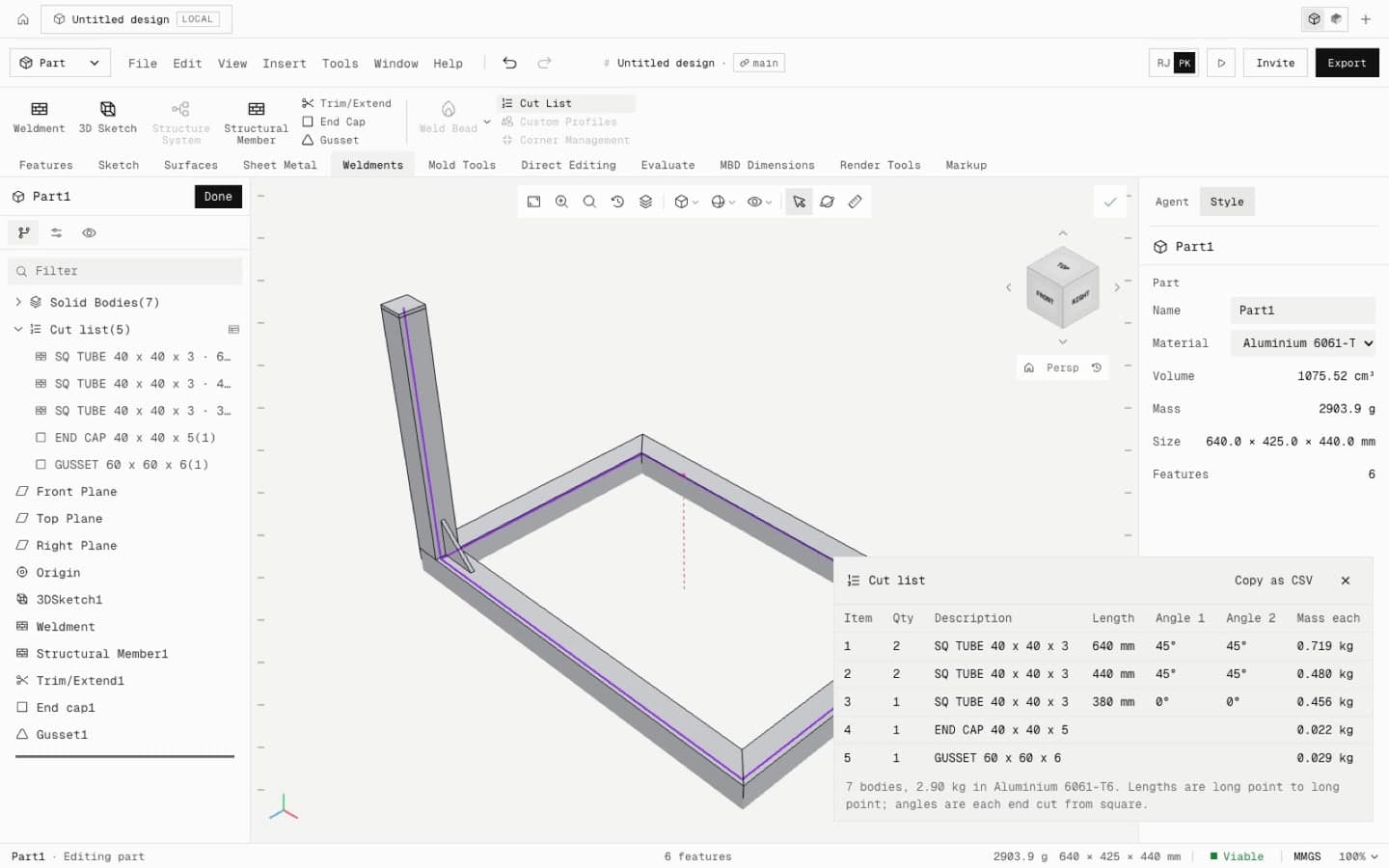
Structural members along a sketch, with trims, gussets, end caps and a cut list.
- Square and round tube profiles
- Trims and gussets
- Cut list
STEP import
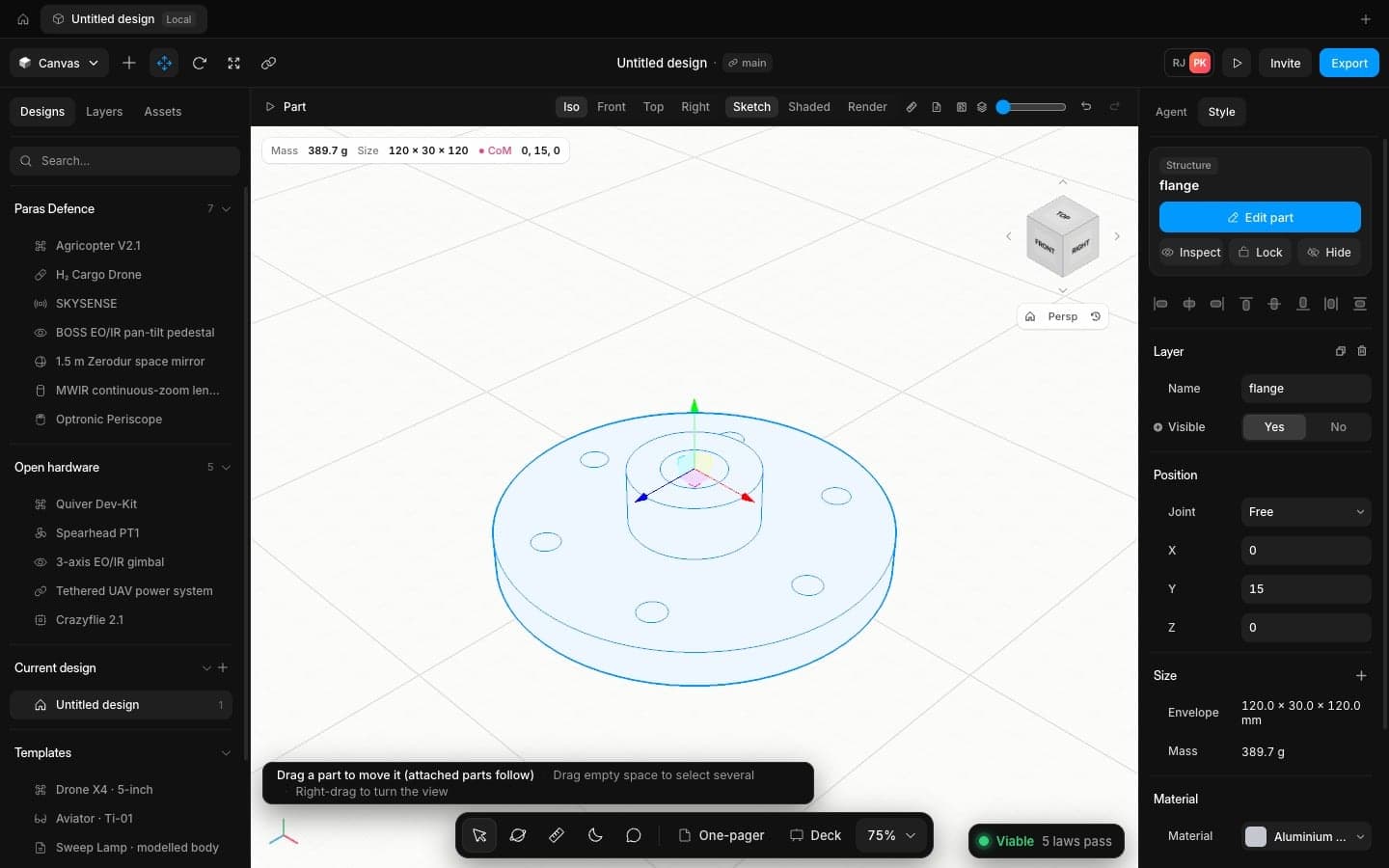
Open STEP, IGES and STL from your existing CAD. Each body lands as its own part, ready to mate, check and simulate.
- STEP, IGES and STL in
- STEP, STL, DXF and PDF out
- Bodies split into parts
Wiring
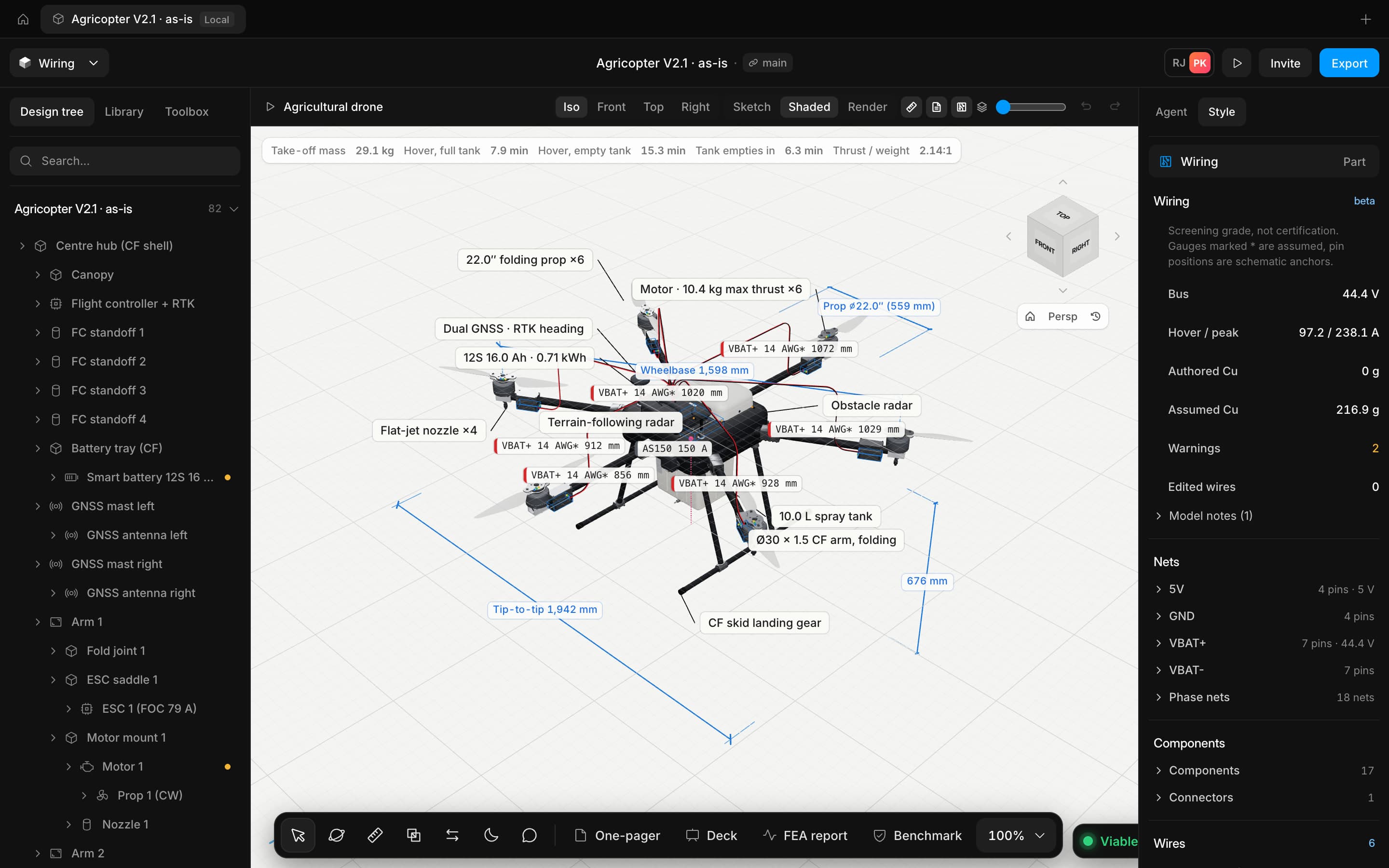
Route the harness between the boards and connectors, and check bus voltage, current and wire gauge.
- Routed harness on the model
- Bus voltage and current
- Wire gauge per run
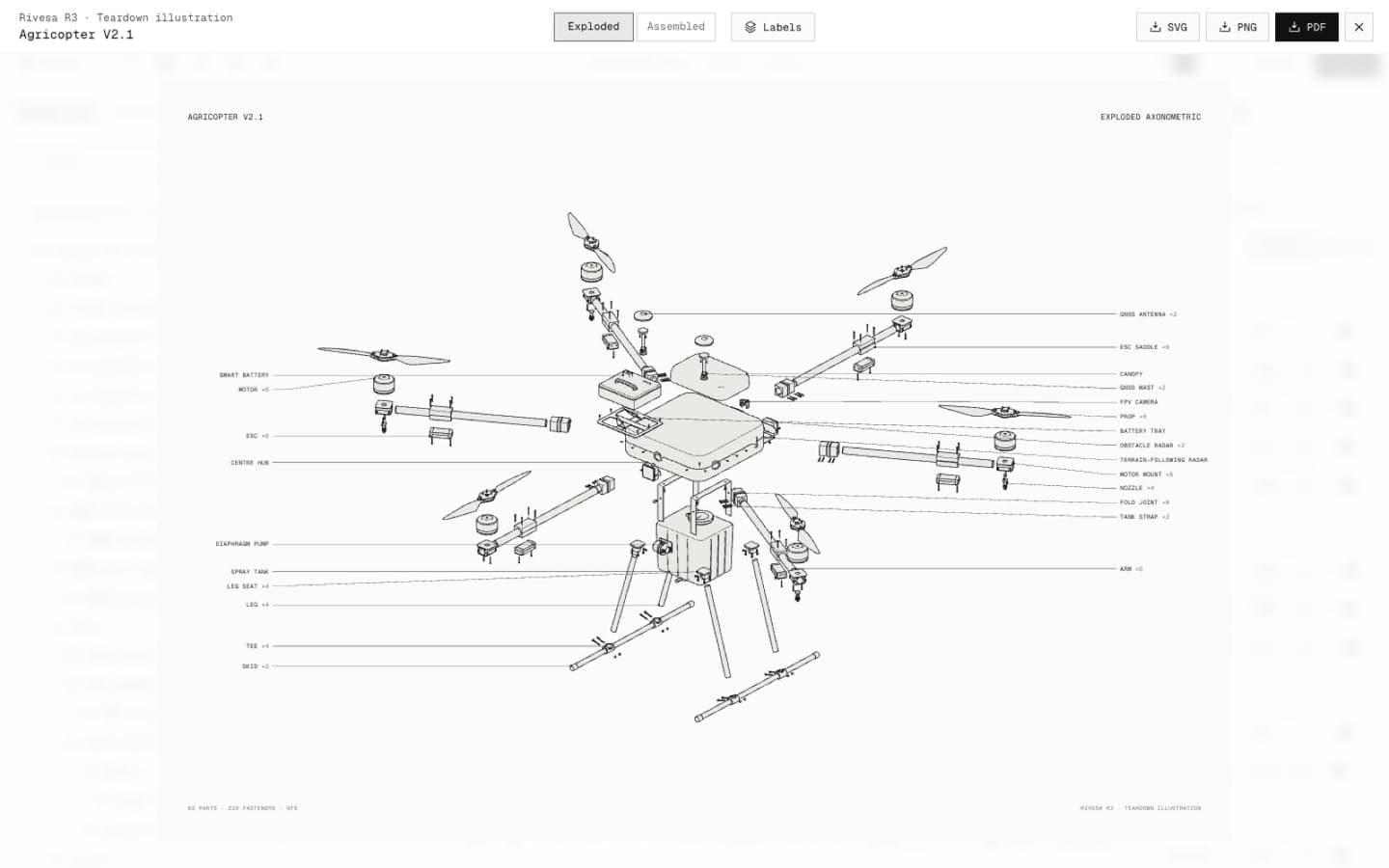
Teardown illustrations
Clean line art of the assembled and exploded product, for decks, manuals and reviews.
- Assembled and exploded line art
- SVG and PNG export
- Matches the model
Ship hardware at the speed your programme moves
Open the app in your browser and have a checked concept on screen in minutes. No install, no licence server.